1
MBF_Classify User Manual
21
5. CLASSIFICATION INTERFACE FOR DIFFERENT CONTROLS AND TEST SETS
There can be cases when the user wants to try a particular set of controls from one data set to
classify another set of objects coming from a different data set. Hence, another interface has
been designed that allows the user to upload two different text files as the files from where
the control set and the test set would be selected, respectively. The protocol to use this
interface is similar to the protocol used to run MBF_Classify except for a few changes.
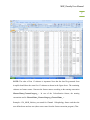
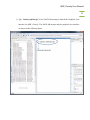
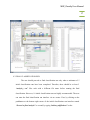
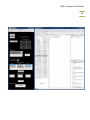
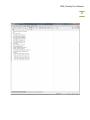
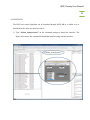
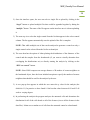
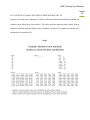
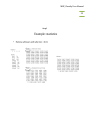
1) Type “initiate_mbfclassify_diff” at the MATLAB prompt to launch the Graphical User
Interface. The MATLAB prompt and the graphical user interface are shown in the following
figure.
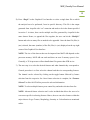
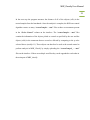
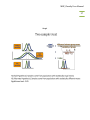
2) As mentioned for MBF_Classify, the user can upload a single data file or multiple data files
by clicking on the “single” or “multiple” buttons. However, in this case, the user has to
upload two different files or two different sets of files as control and test, separately.
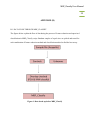
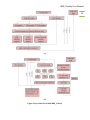
3) The steps ahead of this that is the selction of features and channels, followed by the selection
of controls are the same as described for MBF_Classify earlier.
6. INTERPRETATION OF RESULTS
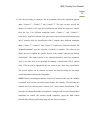
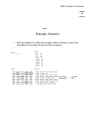
The results of both initial classification run and final classification run consist of
two types of files that appear in the “current folder” panel of MATLAB. First is a “.fig”
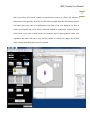
file that contains the PCA plot of the controls used for classification of the data. Second
is another “.fig” file that contains the controls and unknowns classified plotted together in
the PCA plot. The third file is a “.dat” file that contains the classification results for the
test data. The results are saved in two parts (described below). Apart from saving the