1
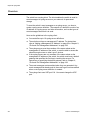
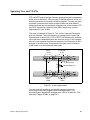
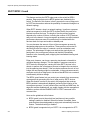
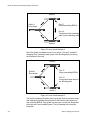
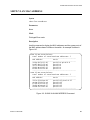
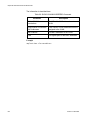
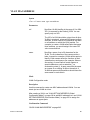
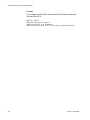
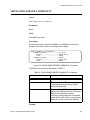
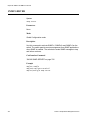
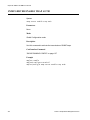
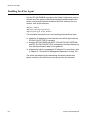
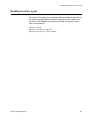
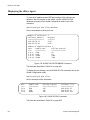
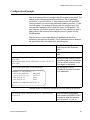
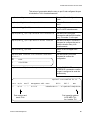
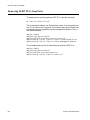
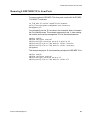
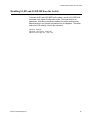
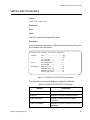
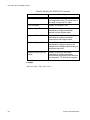
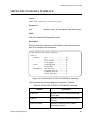
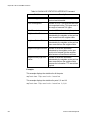
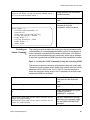
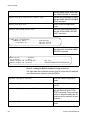
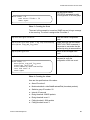
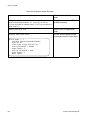
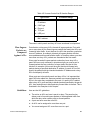
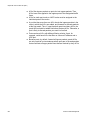
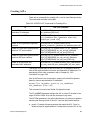
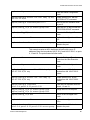
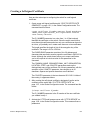
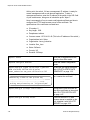
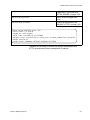
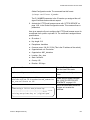
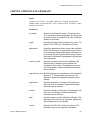
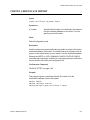
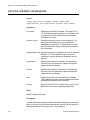
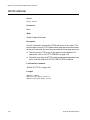
Chapter 61: RMON RMON Alarms RMON alarms are used to generate alert messages when packet activity on designated ports rises above or falls below specified threshold values. The alert messages can take the form of messages that are entered in the event log on the switch or traps that are send to SNMP programs. The switch supports up to eight alarms. Each RMON alarm can monitor one port and one RMON statistic. RMON alarms consist of two thresholds. There is a rising threshold and a falling threshold. The alarm is triggered if the value of the monitored RMON statistic of the designated port exceeds the rising threshold. The response of the switch is to enter a message in the event log, send an SNMP trap, or both. The alarm is reset if the value of the monitored statistic drops below the falling threshold. The frequency with which the switch tests the thresholds in an alarm against the actual RMON statistic is controlled by the time interval, a setting you can adjust for each alarm. Here are the three components that comprise RMON alarms: RMON statistics group: A port must have an RMON statistics group if it is to have an alarm. When you create an alarm, you specify the port to which it is to be assigned not by the port number, but rather by the ID number of the port’s statistics group. (As explained in “RMON Port Statistics” on page 953, statistics groups are also used to remotely view port statistics in the RMON portion of the MIB tree.) RMON event: An event specifies the action of the switch when the ingress packet activity on a port crosses a statistic threshold defined in an alarm. The choices are to log a message in the event log of the switch, send an SNMP trap to an SNMP workstation, or both. You can create up to eight events. Since there are only three possible actions and since events can be used with more than one alarm, you probably will not create more than three events. Alarm: The last component is the alarm itself. It defines the port statistic to be monitored and the rising and falling thresholds that trigger the switch to perform an event. The thresholds of an alarm can have the same event or different events. The switch supports up to eight alarms. The following sections explain how to create and manage the various elements of an alarm: 958 “Creating RMON Statistics Groups” next “Creating RMON Events” on page 959 “Creating RMON Alarms” on page 960 Section X: Network Management