1
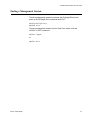
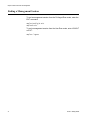
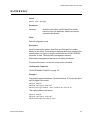
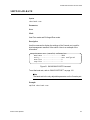
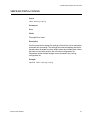
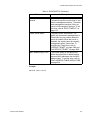
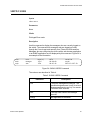
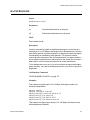
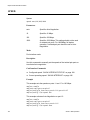
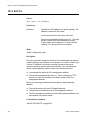
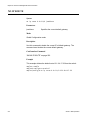
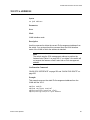
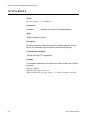
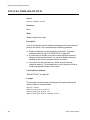
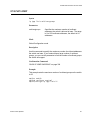
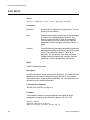
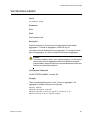
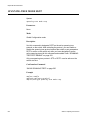
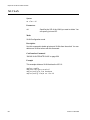
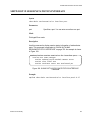
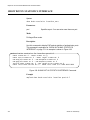
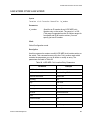
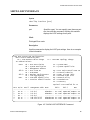
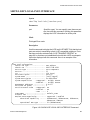
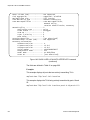
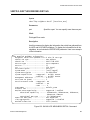
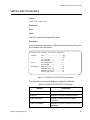
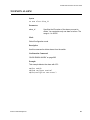
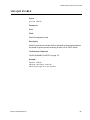
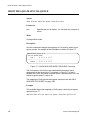
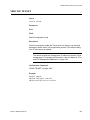
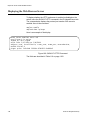
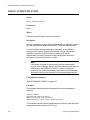
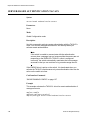
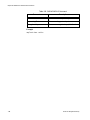
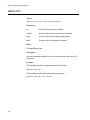
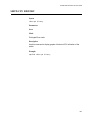
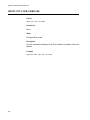
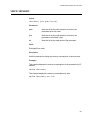
Chapter 77: Secure HTTPS Web Browser Server Commands HTTPS SERVER Syntax https server Parameters None. Mode Global Configuration mode Description Use this command to activate the HTTPS web server on the switch. The switch supports secure HTTPS web browser management sessions when the server is activated. Here are the preconditions to activating the server: The non-secure HTTP server on the switch must be disabled. For instructions, refer to “NO HTTP SERVER” on page 1132. The switch must have an HTTPS certificate that was designated as the active certificate with the IP HTTPS CERTIFICATE command. Confirmation Command “SHOW IP HTTPS” on page 1160 Example awplus> enable awplus# configure terminal awplus(config)# https server 1156 Section XI: Management Security