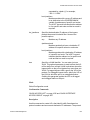
1
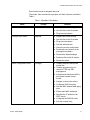
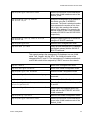
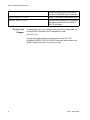
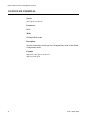
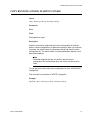
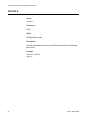
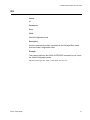
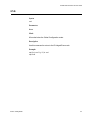
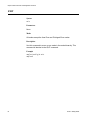
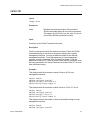
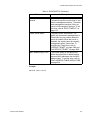
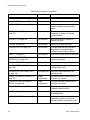
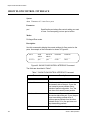
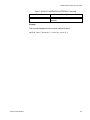
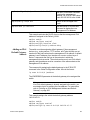
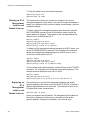
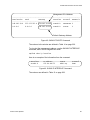
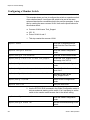
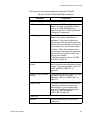
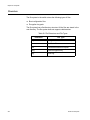
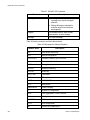
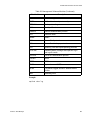
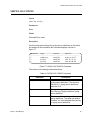
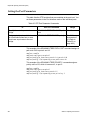
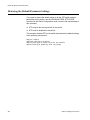
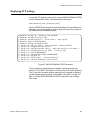
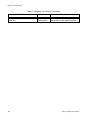
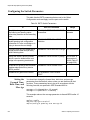
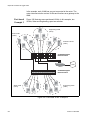
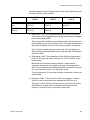
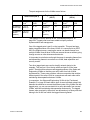
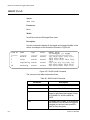
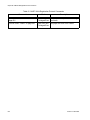
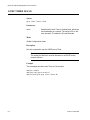
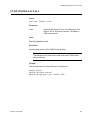
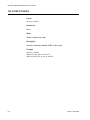
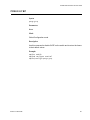
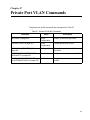
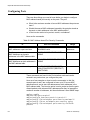
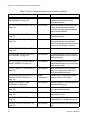
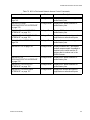
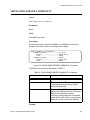
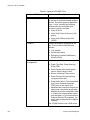
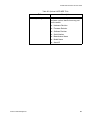
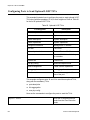
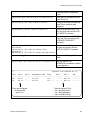
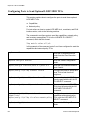
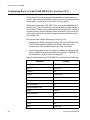
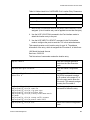
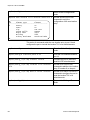
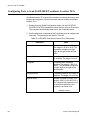
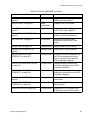
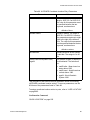
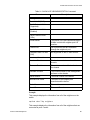
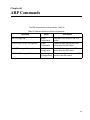
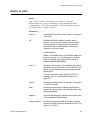
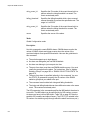
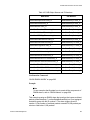
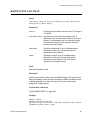
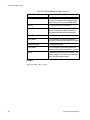
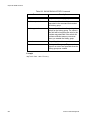
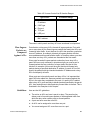
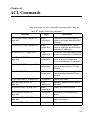
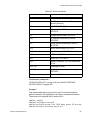
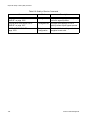
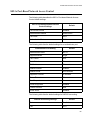
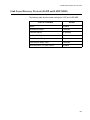
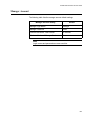
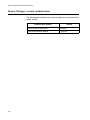
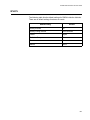
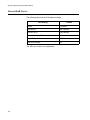
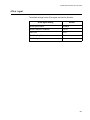
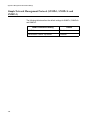
AT-9000 Switch Command Line User’s Guide Port Interface mode to designate the ports. The modes, their command line prompts, and their functions are listed in Table 1. Table 1. AlliedWare Plus Modes Mode User Exec mode Privileged Exec mode Global Configuration mode Section I: Getting Started Prompt awplus> awplus# (config)# Function Displays the switch settings. Lists the files in the file system. Pings remote systems. Displays the switch settings. Lists the files in the file system. Pings remote systems. Sets the date and time. Saves the current configuration. Downloads new versions of the management software. Restores the default settings. Renames files in the file system. Resets the switch. Creates classifiers and access control lists. Creates encryption keys for remote HTTPS and SSH management. Activates and deactivates 802.1x port-based network access control. Assigns a name to the switch. Configures IGMP snooping. Sets the MAC address table aging timer. Enters static MAC addresses. Specifies the IP address of an SNTP server. Configures the RADIUS client. Sets the console timer. 41