1
Vox Studio 3 User Guide
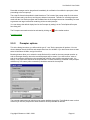
number of messages. They work from microphone or from a tape input. The file slicer allows slicing of
a large ".wav" file containing lots of concatenated prompts.
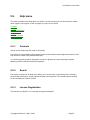
Prompter
Tape Loader
File Slicer
5.5.1.
Prompter
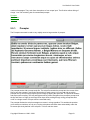
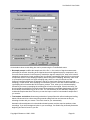
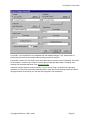
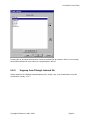
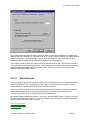
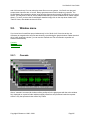
The Prompter command is used to very rapidly record a large number of prompts.
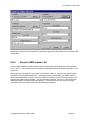
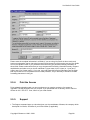
The prompter works with a prompt script file. The script file contains the prompt text, the names of the
files to save the prompts in and a short description for each prompt. You can read and record the
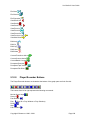
prompts one by one from the prompter screen simply by tapping the space bar. The space bar initiates
and stops each recording. The Left and Right arrow keys allow navigation from prompt to prompt while
the Up and Down or Page Up and Page Down keys allow scrolling through a long prompt that does
not fit on a single screen. Prompts can be rerecorded easily.
The prompter flashes the script's messages on-screen in a large typeface. This enables the speaker
(voice talent) to read them, one by one, into the microphone and save them automatically under the
file names previously defined in the script file. This is a real time-saver.
Copyright © Xentec nv 1996 – 2001
Page 43