1
Reference
Eudora User Manual
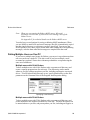
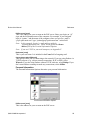
Dialup timeout after ? seconds [60]
This options allows you to specify the number of seconds before a dialup
connection will time out.
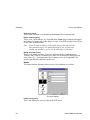
CRLF Processing [on]
When establishing a dialup connection to your terminal server, you must pay
close attention to how carriage returns are treated. Telnet programs routinely
translate carriage returns into carriage return (cr)/ linefeed (lf) pairs. For this
reason, Eudora processes cr/lf pairs to plain carriage returns by default. If your
terminal server does not translate carriage returns to cr/lf pairs, or you are running
srialpop to establish an echoless session (as described in Appendix E), Eudora’s
cr/lf processing must be disabled. This can be done by turning this option off.
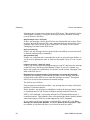
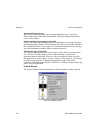
Show trace window [on]
This option allows you to enable the Trace Window that Eudora displays when
making dialup connections. When enabled, the Trace Window is opened
automatically at the beginning of the dialup session. It follows what Eudora is
sending, expecting, and the characters returned to Eudora. The Trace Window is
a valuable troubleshooting tool because when there is an error during the dialup
process, the window displays the source of the error.
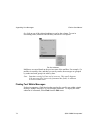
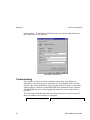
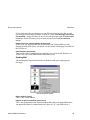
Spell Checking Options
These options control Eudora’s spell checking options.
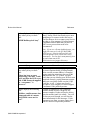
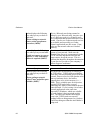
The Spell Checking options
112
QUALCOMM Incorporated