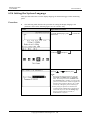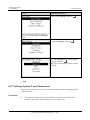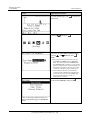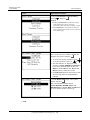
1
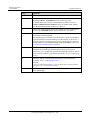
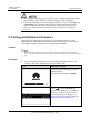
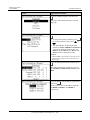
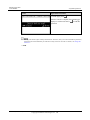
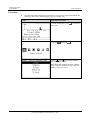
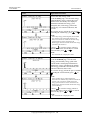
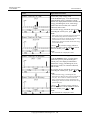
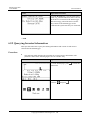
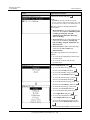
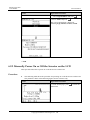
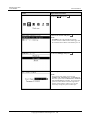
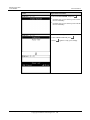
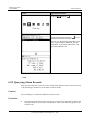
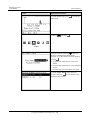
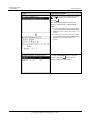
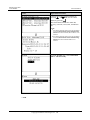
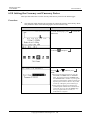
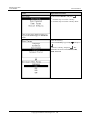
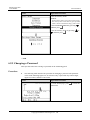
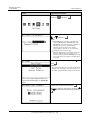
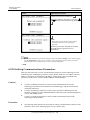
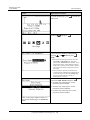
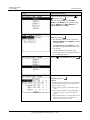
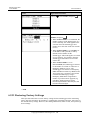
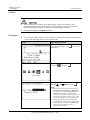
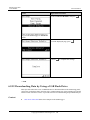
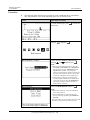
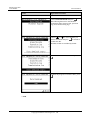
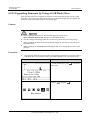
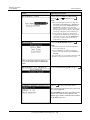
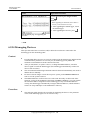
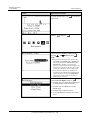
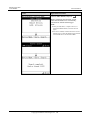
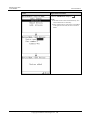
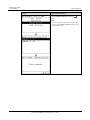
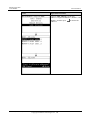
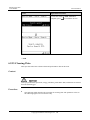
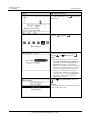
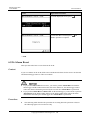
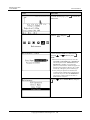
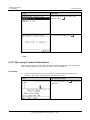
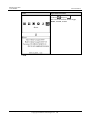
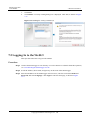
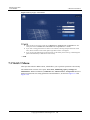
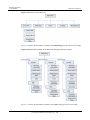
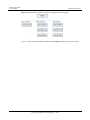
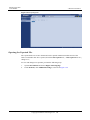
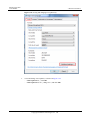
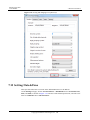
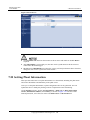
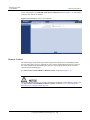
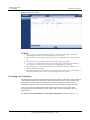
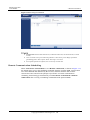
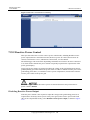
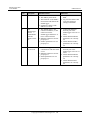
SmartLogger1000 User Manual 6 User Interface LCD Operation Procedure 6. Set the currency factor. NOTICE Set the currency before you set the currency factor. The currency factor is the electricity price per kWh, which is used to calculate the energy yield revenue. a. Select Currency Factor by pressing and then press , . b. Set the currency factor by pressing , and then press or . ----End 6.2.9 Changing a Password This topic describes how to change a password on the monitoring panel. Procedure The following table describes the procedure for changing a password. The parameter values in the following figures are for reference only. A password may contain digits, upper-case letters, and lower-case letters. LCD Operation Procedure 1. On the default page, press main menu. Issue 04 (2013-12-15) Huawei Proprietary and Confidential Copyright © Huawei Technologies Co., Ltd. to enter the 62