1
WebCCTV User’s Manual
190
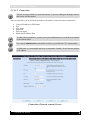
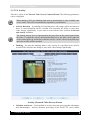
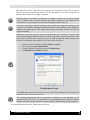
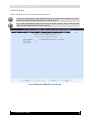
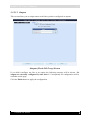
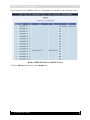
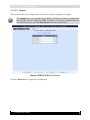
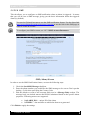
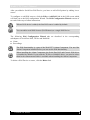
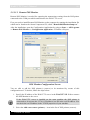
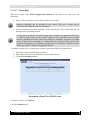
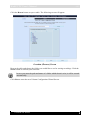
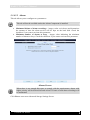
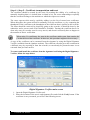
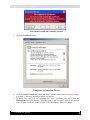
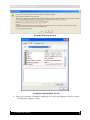
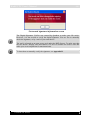
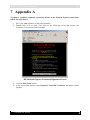
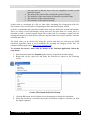
Signing Digital ID Properties Screen
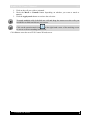
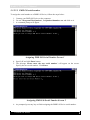
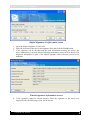
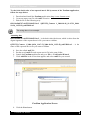
To make a certificate explicitly trusted by means of the Microsoft Management Console
follow the steps below:
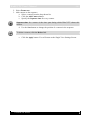
1. Go to Start->Run and specify the mmc command.
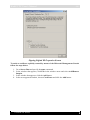
2. In the window that appears, click File in the window menu and select Add/Remove
Snap-in.
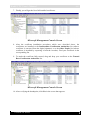
3. In the window that appears, click the Add button.
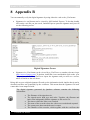
4. In the next appeared window, choose Certificates and click the Add button.
Version 4.0 Series