1
Restoring your System
21
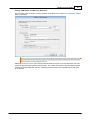
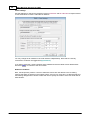
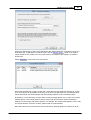
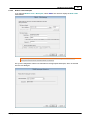
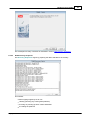
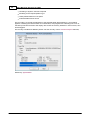
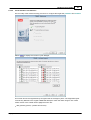
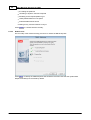
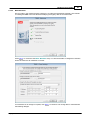
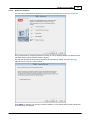
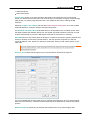
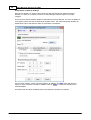
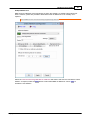
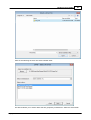
Specify TSM Details and Recovery Date/Time
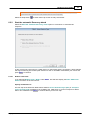
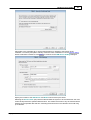
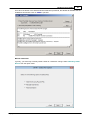
The next step of the automatic recovery identifies the location of the TSM Server and Node used to
back up the Client.
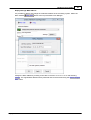
Note: You may use an alternative to the normal Node credentials (such as the Administrator
account) to access the account. In this case enter the username of the alternative in the User
Id field and the corresponding password.
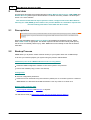
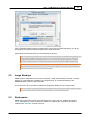
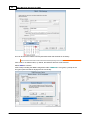
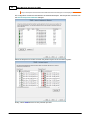
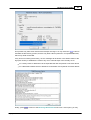
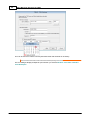
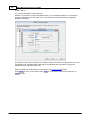
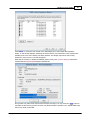
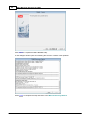
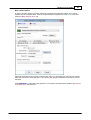
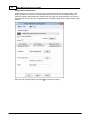
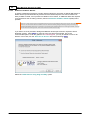
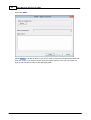
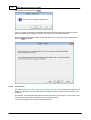
Selecting the Point-in-time (PIT) restore mode will allow the system to be recovered from the most
recent backup before the specified date and time. This means the version of any file restored will be
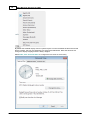
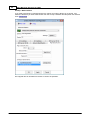
earlier than the specified date and time. Selecting the down-arrow in the calendar control will bring
up a calendar:
Copyright © 2008-2015 Cristie Software Ltd.