1
Restoring your System
6.2.3.5
51
Dissimilar Hardware
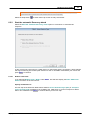
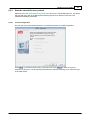
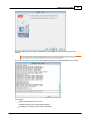
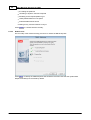
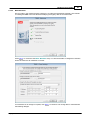
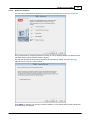
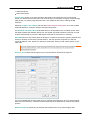
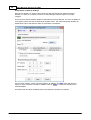
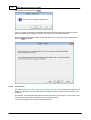
The final step in the manual DR sequence is to check if the recovery is to Dissimilar Hardware.
This is determined by comparing the drivers currently in use by Windows WinPE 2 or WinPE 5 and
the drivers listed in the recovered machine's registry.
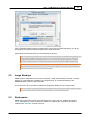
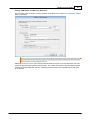
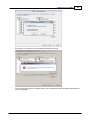
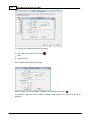
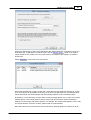
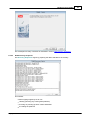
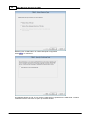
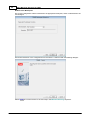
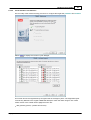
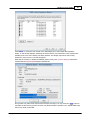
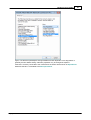
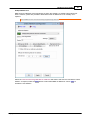
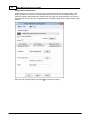
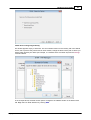
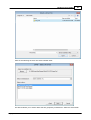
The step first prompts for what driver types should be checked. By default, only Mass Storage
(disk) and network devices are checked.
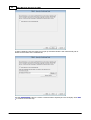
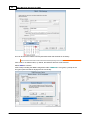
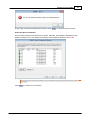
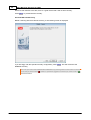
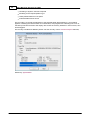
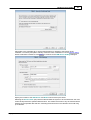
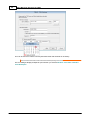
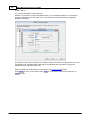
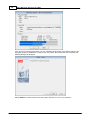
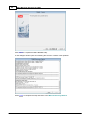
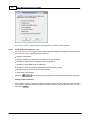
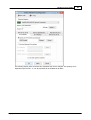
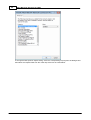
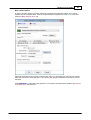
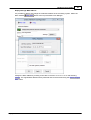
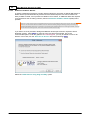
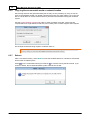
Press Next> to continue. For recovery to similar hardware, no new devices will be found and this will
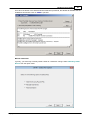
be confirmed by this dialogue:
Copyright © 2008-2015 Cristie Software Ltd.