1
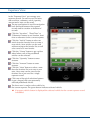
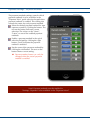
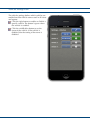
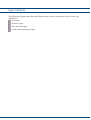
Expenses settings - Quick selections groups
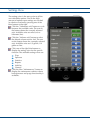
For expense articles there are a number of
predefined articles which can easily be selected
directly from the quick selections groups
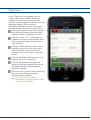
buttons in ”Expenses View”. For each quick
selections group, six favorites can be defined
and these will be directly selectable by it’s own
button in the keypad.
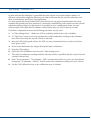
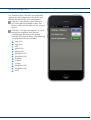
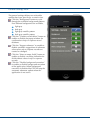
The predefined articles are divided in three
groups,
fuel
maintenance
other
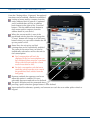
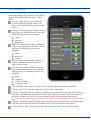
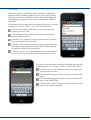
In ”Expenses View” you can access the
articles from the fuel or maintenance groups
via the two left quick selection buttons. The
third quick selection button can be used to
select any predefined article.
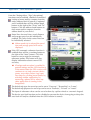
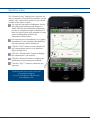
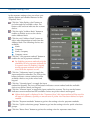
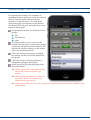
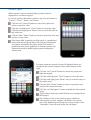
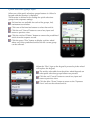
Click one of the group buttons to display
the settings for the six favorites buttons for
this group.
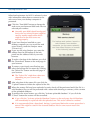
Click one of the six favorites buttons to
change the setting for that button.
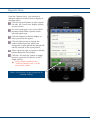
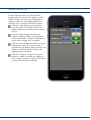
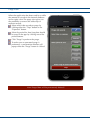
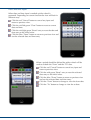
Select article for the selected button from
the picker wheel.
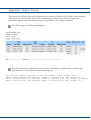
➡ When group fuel is selected the picker
wheel will contain only fuel type
articles.
➡ When group maintenance is selected
the picker wheel will contain only
maintenance type articles.
➡ When group other, the star icon, is selected all predefined articles will be available in the
picker wheel.
© 2011 RandiRundi
15 (29)
ver. 1.4-a