1
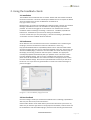
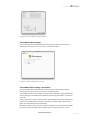
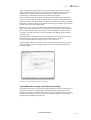
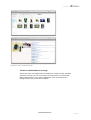
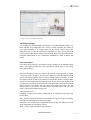
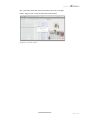
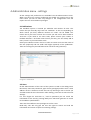
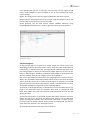
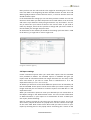
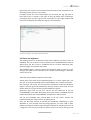
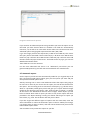
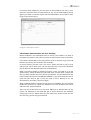
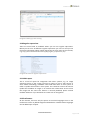
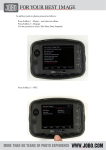
Feedback user guide, version 3.x Image 2.3 The Feedback plugin/xtension 2.4 Feedback Client settings To start setting up the Feedback Client you need to log on which requires that an Adminstrator has set up an account to you in the web interface. Image 2.4 The Feedback Client log in 2.5 Feedback Client settings -‐ Hot folders To start setting up the Feedback Client you need to log on which requires that an Adminstrator has set up an account to you in the web interface. The Feedback Client can be run both manually and automatically using hot folders. We start be setting up a hot folder based workflow by selecting "Hot folders" in the menu to the left. "Start processing on startup" will do just that. The Feedback Client starts polling its hot folders once the application is started. If you want to make changes in the settings, please turn this feature off by unactivating it. Starting by setting a "Name" you can now start setting up a hot folder based workflow. Find a name of the hot folders that will make sense for other people too, e.g. the www.laidbacksolutions.se Page 3 of 3