1
4.1 Troubleshooting
4.1.5
Troubleshooting by Error Log
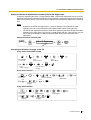
When a major system error occurs in the Hybrid IP-PBX, the ALARM indicator on the front of the
cabinet turns on red, and the system logs the error information.
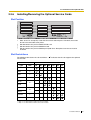
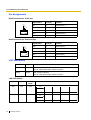
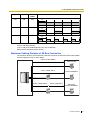
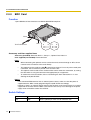
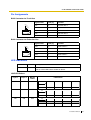
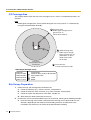
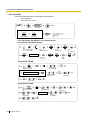
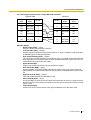
Error Log Display Format
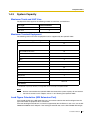
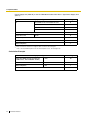
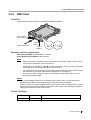
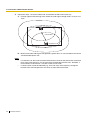
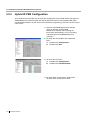
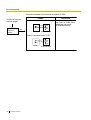
Below is the display format of the error log. To see the error log using the KX-TDA30 Maintenance
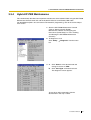
Console, refer to "3.3.4 Hybrid IP-PBX Maintenance".
Example: KX-TDA30 Maintenance Console
3
1
2
4
5
6
Example: Station Message Detail Recording (SMDR)
04/01/01 10:37AM MJ ALM #000 10000 MPR WDT overflow
04/01/01 11:07AM MN ALM #010 10000 AC power down
04/01/01 03:55PM MN ALM #392 10401 Clock master card selected
1
2
3
4
5
6
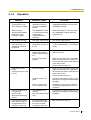
Description
Item
Description
1
Date
Date of the error detection
2
Time
Time of the error detection
3
Level
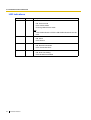
Major Alarm (MJ ALM):
Errors that affect the whole system operation, or result in
system failure
Minor Alarm (MN ALM):
Errors that affect certain part of system operation
4
Error Code
Three-digit error code
Installation Manual
143