1
AARO EXCEL CONNECTIVITY 14.0 USER MANUAL
Using AARO with Excel – an overview
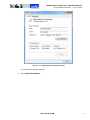
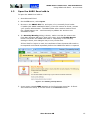
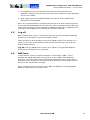
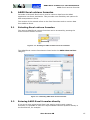
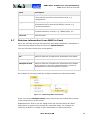
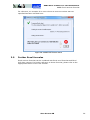
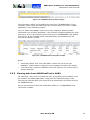
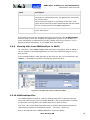
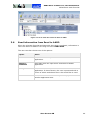
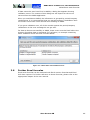
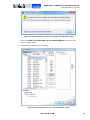
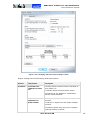
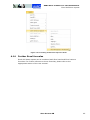
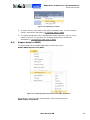
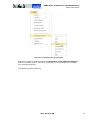
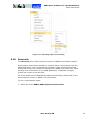
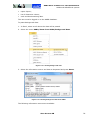
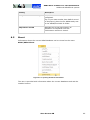
Figure 1.3–2 Opening AARO menu from Excel
Note: prior to Excel 2010, the AARO Excel add-in should be started before any
changes are made in the Excel workbook.
1.4
Log on
Logon is necessary before any data can be accessed in the AARO database. To
log on to AARO from Excel after opening add-in, follow these steps:
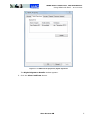
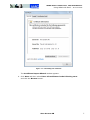
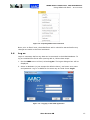
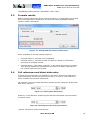
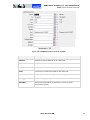
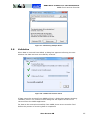
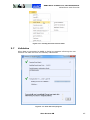
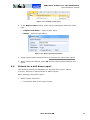
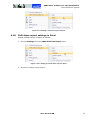
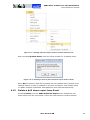
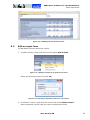
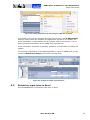
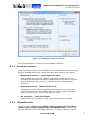
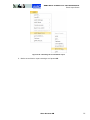
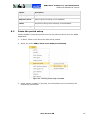
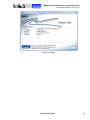
1. On the AARO menu in Excel, select Log On. The logon dialogue box will be
displayed.
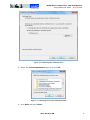
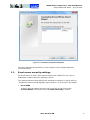
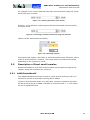
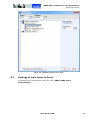
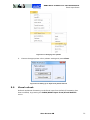
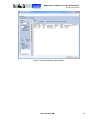
2. Select a database (or just accept the default choice), and enter user name
and password. Log on to AARO in the same way as usual. Press Login.
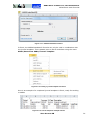
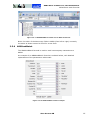
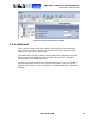
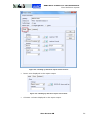
Figure 1.4–1 Logging on the AARO application
AARO SYSTEMS AB
13