1
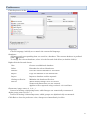
Database view
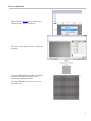
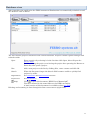
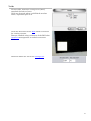
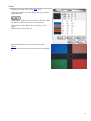
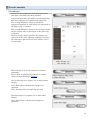
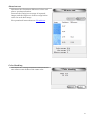
After launching the application the DPM instrument illumination is automatically switched on and
the database view is shown.
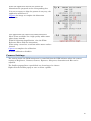
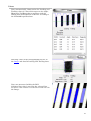
The list contains projects contained in the current database. Projects contain captured images and
related results.
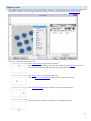
Open
Enter a project by selecting it in the list then click Open, this will open the
Project view.
Double-clicking the project or selecting the project then pressing the Return or
Enter key also opens a project.
New
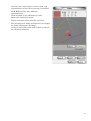
Add a new project to the list by clicking New, enter a name and click Ok.
Search
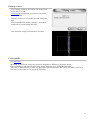
When the list grows larger the Search field becomes useful to quickly find
projects by name.
Registration
See Activation and Deactivation sections.
Preferences
See Preferences.
(help)
Click
to open this document “DPM User's Manual.pdf”
The file is located in the same folder as the DPM executable.
A html version of this document is available online (see link)
Deleting and renaming is done through the lists connect menu (right click).
14