1
1. Configure the first Printer Adapter
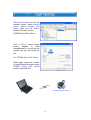
Connect the first printer combo adapter to an EPSON Stylus C61 printer.
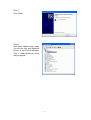
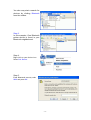
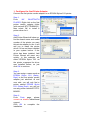
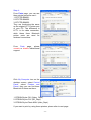
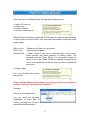
Step 1:
From
MY
BLUETOOTH
PLACES, Right click on the first
printer combo adapter folder
(with series#: BT-PTR-B0A251),
then select OK to install a
printer driver for it.
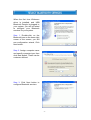
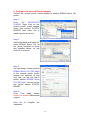
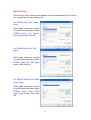
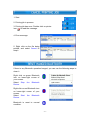
Step 2:
Add Printer Wizard will show up,
find the brand name and model
number of the printer you want
this printer adapter to use. It will
ask you to install the printer
driver if it has not been installed
in your system before. If the
driver has been installed, Add
Printer Wizard will pass very
quickly. In this example, we
select EPSON Stylus C61 as
the printer, supposed its driver
was installed before, so just
click OK to continue.
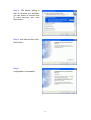
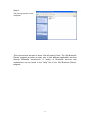
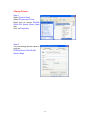
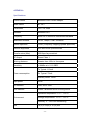
Step 3:
You can assign a name such as
EPSON Stylus C61 (Sales_
Dept) to the first printer combo
adapter just selected. At end
user side, you will only find a
printer named EPSON Stylus
C61 (Sales_Dept), you will not
see any printer named BT-PTRB0A251.
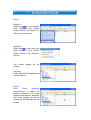
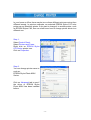
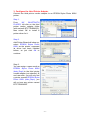
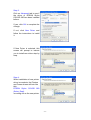
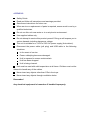
Step 4 :
From Ports page, please
unmark or disable bidirectional
support.
Click OK to complete the
installation.
- 19 -