1
Classic DocuSign Experience User Guide
74
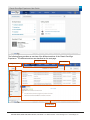
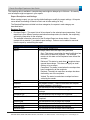
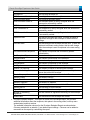
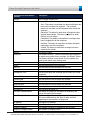
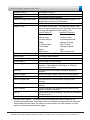
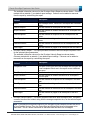
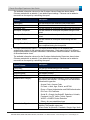
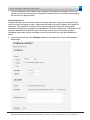
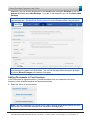
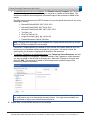
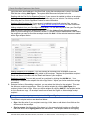
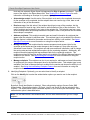
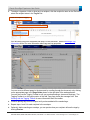
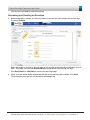
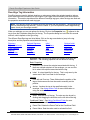
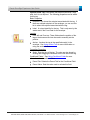
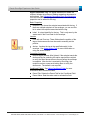
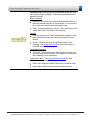
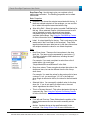
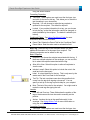
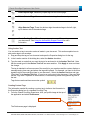
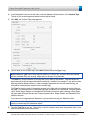
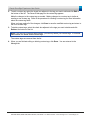
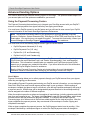
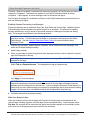
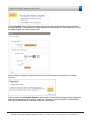
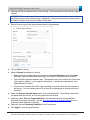
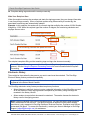
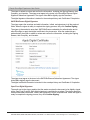
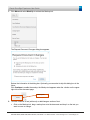
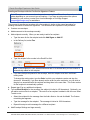
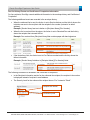
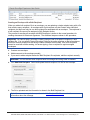
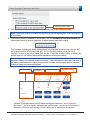
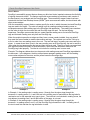
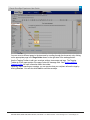
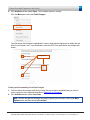
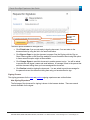
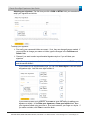
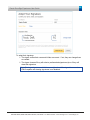
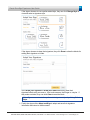
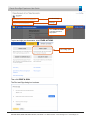
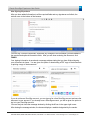
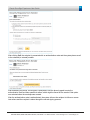
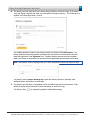
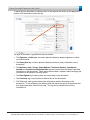
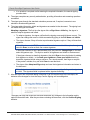
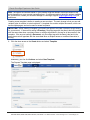
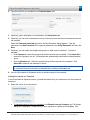
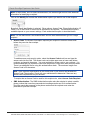
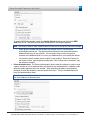
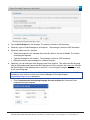
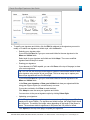
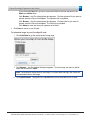
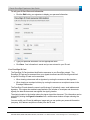
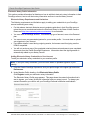
Clicking Pay Now opens the Payment dialog, which shows the total amount due and provides the
payment methods. If a recipient has multiple Payment Processing tags, all of the amounts in the field
are added together for the total amount due.
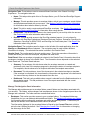
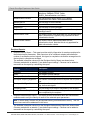
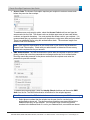
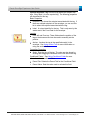
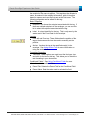
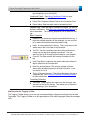
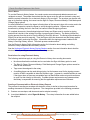
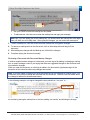
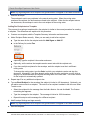
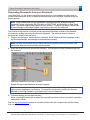
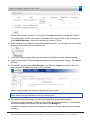
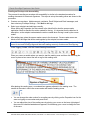
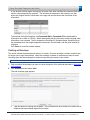
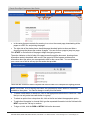
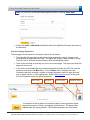
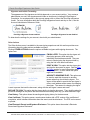
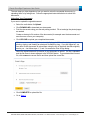
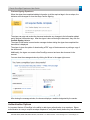
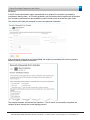
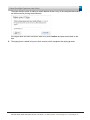
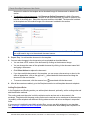
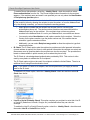
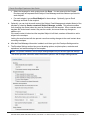
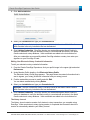
After the signer completes the payment process, they are returned to the envelope to Complete
Payment.
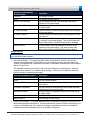
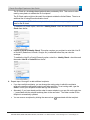
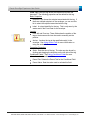
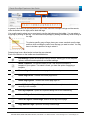
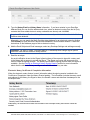
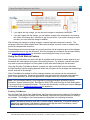
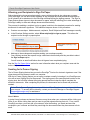
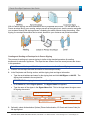
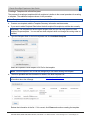
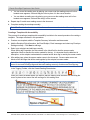
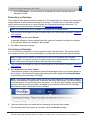
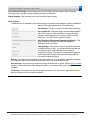
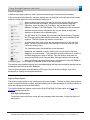
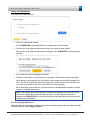
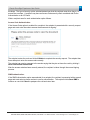
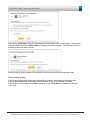
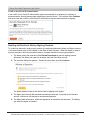
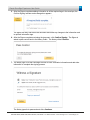
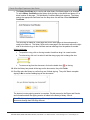
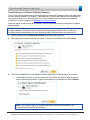
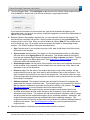
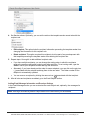
After the signer clicks Complete Payment, the envelope is closed and a message window stating the
signer has completed the documents is displayed. The signer is given the option of downloading a
PDF copy of the documents or printing a copy of the documents.
221 Main Street, Suite 1000, San Francisco, CA 94105 Ι Tel. 866.219.4318 Ι www.docusign.com Ι © DocuSign, Inc.