1
7.2.3
Shut Down the Destination Device
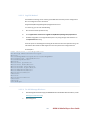
Now that your Windows Embedded Standard 7 image is deployed, you can shut down the
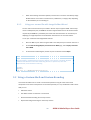
device by using the wpeutil shutdown option in Windows PE. From the Windows PE command
prompt, type:
wpeutil shutdown
7.3 Deploy an Image Using Image Builder Wizard
After capturing a custom image to a .wim file by using ImageX, you can deploy this image by using
Image Builder Wizard. Using this method, you can create customized setup disks that deploy the
preconfigured image easily and quickly to your devices.
7.3.1
Start Image Builder Wizard with your Image
Choose one of the following four methods to start Image Builder Wizard with your image.
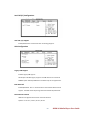
7.3.1.1 Use the Deploy an Answer File or WIM button:
1.
Boot your device into Image Builder Wizard using the Windows Embedded Standard 7
DVD or the utility disk you created in section 1.6.
2.
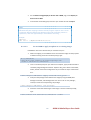
On the Build an Image/Deploy an Answer File or WIM page, select Deploy an Answer
File or WIM.
3.
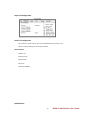
Browse to your WIM file and click Open.
7.3.1.2 Use the /installfrom Switch:
1.
Do one of the following:
•
Boot into Image Builder Wizard from your utility disk and open a command
prompt by either
• On the Build an Image/Deploy an Answer File or WIM page, press Shift + F10.
• On the Build an Image/Deploy an Answer File or WIM page, select Launch
WinPE Command Prompt.
•
2.
Boot into Windows PE from your utility disk.
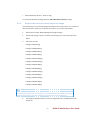
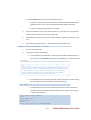
Navigate to the directory that contains setup.exe
•
If you are booting from your Image Builder Wizard disk, look in <drive>:\sources
79
DSEK-10 Media Player User Guide