1
3
Functions and Measurements
FSK Demodulation Analysis
Please refer to the procedures below to analysis the FSK
demodulation.
1 Connect the signal generator to RF IN connector and turn
on the signal generator’s FSK modulation and RF output.
2 Turn on the ASK demodulation analysis function.
Press MODE > Modulation Analysis > FSK.
3 Press Frequency > Carrier Freq > 100 > MHz to set the carrier
frequency.
4 Press Meas > Symbol Rate > 10 > ksps to set the symbol rate.
5 Press Filter Setup > Ref Filter > Nyquist to set the filter type.
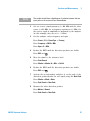
6 Set the attenuation state to Auto (default):
Press Amplitude > Attenuation Auto
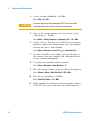
7 Setting the FSK deviation limit and turn on the limit:
Press Shift > Limit > FreqDev UP > 85 > kHz > FreqDev Low > 80
> kHz > Limits on
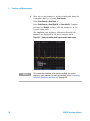
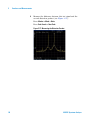
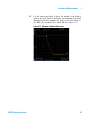
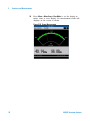
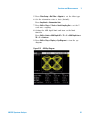
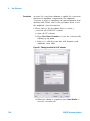
The figure below shows the FSK symbol and the
measurement result.
Figure 3-32 FSK Symbol View
92
N9322C Spectrum Analyzer