1
3 Getting Started
3.14 System Restoration
3.14.1
Recovery DVD
If preinstalled files are damaged, use the supplied Recovery DVD to restore them. To restore
the operating system and all preinstalled software, follow these steps:
Note: After recovery, you need to re-install all settings and passwords. But the recovery will
not delete your recording files saved on the GV-Hot Swap DVR since it only reformats the
partition C and all of your files are still stored on other partitions.
1. Remove or turn off the power of any connected USB devices.
2. Turn off the power of all drive bays.
3. Insert the Recovery DVD.
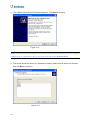
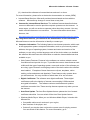
4. The message “Recover your partition now. Are you sure?” appears. Click OK.
Figure 3-52
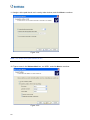
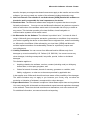
5. This message box appears when the recovery begins.
Figure 3-53
45