1
………..
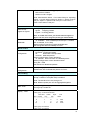
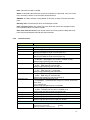
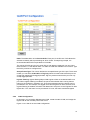
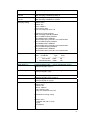
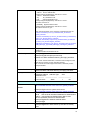
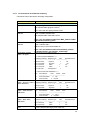
Switch(config)# qos queue-sched wrr 1 2 3 4
The queue scheduling scheme is setting to Weighted Round
Robin.
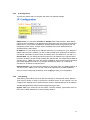
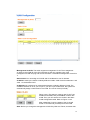
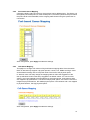
Port Setting – CoS
(Default Port Priority)
Assign the ratio for the 4 classes of service.
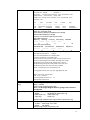
Switch(config)# interface fa1
Switch(config-if)# qos priority
DEFAULT-PRIORITY Assign an priority (3 highest)
Switch(config-if)# qos priority 3
The default port priority value is set 3 ok.
Note: When change the port setting, you should Select the
specific port first. Ex: fa1 means fast Ethernet port 1.
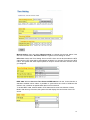
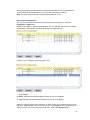
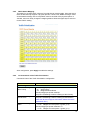
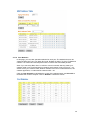
Display - Queue
Scheduling
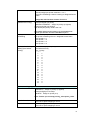
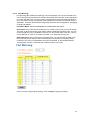
Display – Port Priority
Setting (Port Default
Priority)
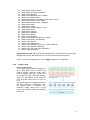
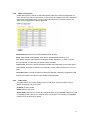
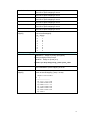
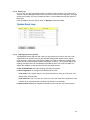
CoS-Queue Mapping
Format
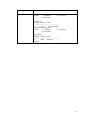
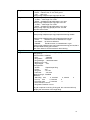
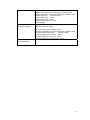
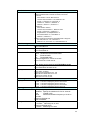
Switch# show qos queue-sched
QoS queue scheduling scheme : Weighted Round Robin
COS queue 0 = 1
COS queue 1 = 2
COS queue 2 = 3
COS queue 3 = 4
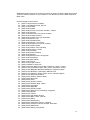
Switch# show qos port-priority
Port Default Priority :
Port Priority
-----+---1
7
2
0
3
0
4
0
5
0
6
0
7
0
8
0
9
0
10
0
11
0
12
0
13
0
14
0
15
0
16
0
17
0
18
0
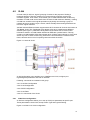
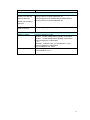
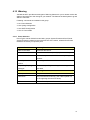
Switch(config)# qos cos-map
PRIORITY Assign an priority (7 highest)
Switch(config)# qos cos-map 1
QUEUE Assign an queue (0-3)
Note: Format: qos cos-map priority_value queue_value
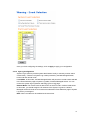
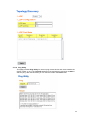
Map CoS 0 to Queue 1
Map CoS 1 to Queue 0
Switch(config)# qos cos-map 0 1
The CoS to queue mapping is set ok.
Switch(config)# qos cos-map 1 0
The CoS to queue mapping is set ok.
70