1
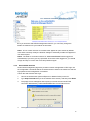
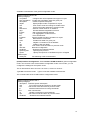
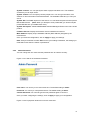
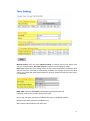
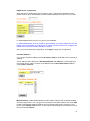
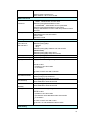
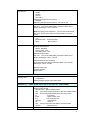
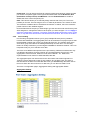
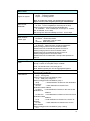
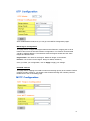
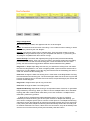
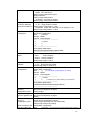
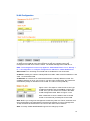
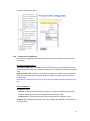
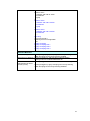
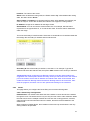
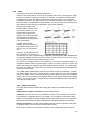
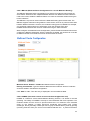
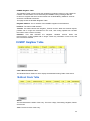
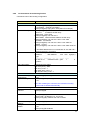
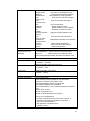
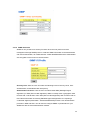
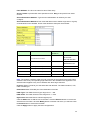
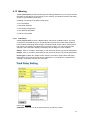
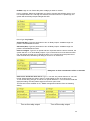
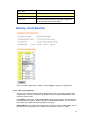
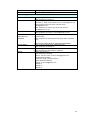
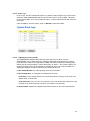
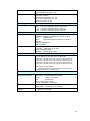
System Location: You can specify the switch’s physical location here. The available
characters you can input are 64.
System Contact: You can specify contact people here. You can type the name, mail
address or other information of the administrator. The available characters you can input
are 64.
System OID: The SNMP object ID of the switch. You can follow the path to find its private
MIB in MIB browser. (Note: When you attempt to view private MIB, you should compile
private MIB files into your MIB browser first.)
System Description: JetNet 5628G/5828G Industrial Managed Switch is the name of this
product.
Firmware Version: Display the firmware version installed in this device.
MAC Address: Display unique hardware address (MAC address) assigned by the
manufacturer.
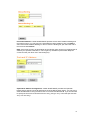
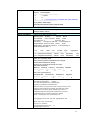
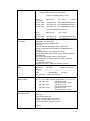
Once you finish the configuration, click on Apply to apply your settings.
Note: Always remember to select Save to save your settings. Otherwise, the settings you
made will be lost when the switch is powered off.
4.2.2
Admin Password
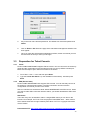
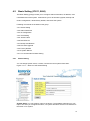
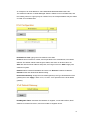
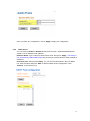
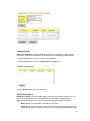
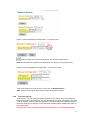
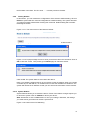
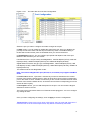
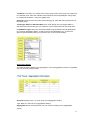
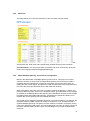
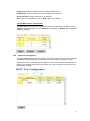
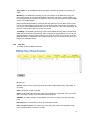
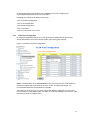
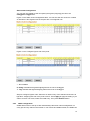
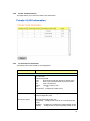
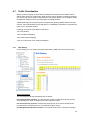
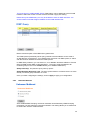
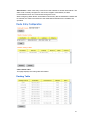
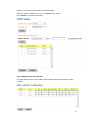
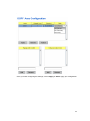
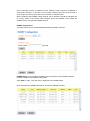
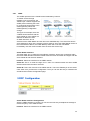
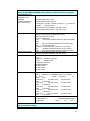
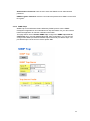
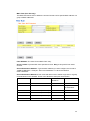
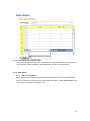
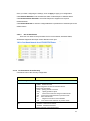
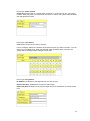
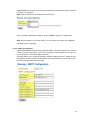
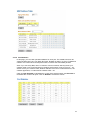
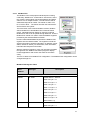
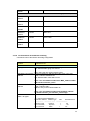
You can change the user name and the password here to enhance security.
Figure 4.2.2.1 Web UI of the Admin Password
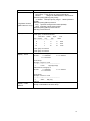
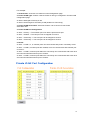
User name: You can key in new user name here. The default setting is admin.
Password: You can key in new password here. The default setting is admin.
Confirm Password: You need to type the new password again to confirm it.
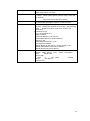
Once you finish configuring the settings, click on Apply to apply your configuration.
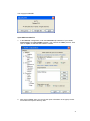
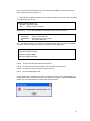
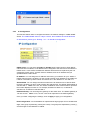
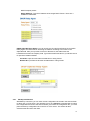
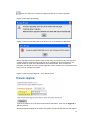
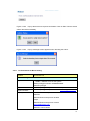
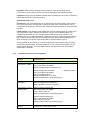
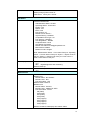
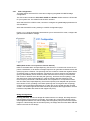
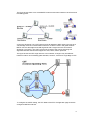
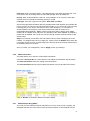
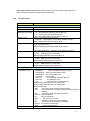
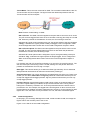
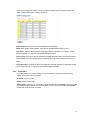
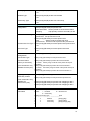
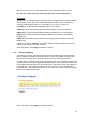
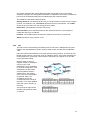
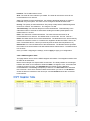
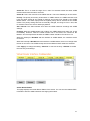
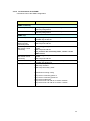
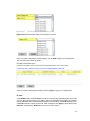
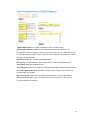
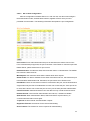
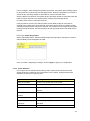
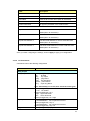
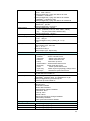
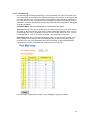
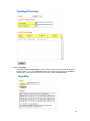
Figure 4.2.2.2 Popup alert window for Incorrect Username.
30