1
【Contents】
-WEB Configuration- .....................................................................................................................1
WEB Logon .........................................................................................................................1
Preparation ...........................................................................................................................1
How to search BF-631W......................................................................................................1
How to login to BF-631W Web via web Browser ...............................................................5
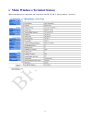
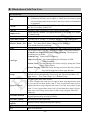
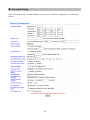
Main Windows (Terminal Status)...............................................................................................7
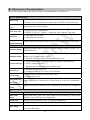
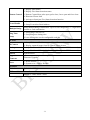
Illustration of Terminal Status..............................................................................................8
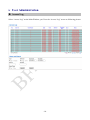
User Administration .................................................................................................................10
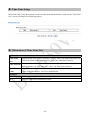
Access Log.........................................................................................................................10
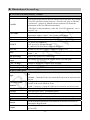
Illustration of Access Log .................................................................................................. 11
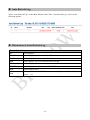
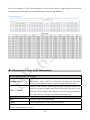
Auto Refresh Log...............................................................................................................12
Illustration of Auto Refresh Log ........................................................................................12
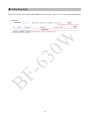
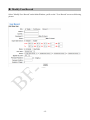
View User List ...................................................................................................................13
Illustration of User List ......................................................................................................14
Modify User Record...........................................................................................................15
Illustration of Modify User Record....................................................................................16
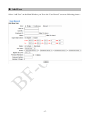
Add User ............................................................................................................................17
Illustration of Add New User .............................................................................................18
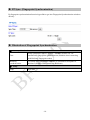
FP Sync. (Fingerprint Synchronization) ............................................................................19
Illustration of Fingerprint Synchronization........................................................................19
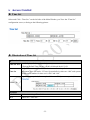
Terminal ...................................................................................................................................20
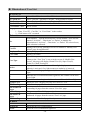
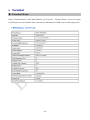
Terminal Status...................................................................................................................20
Illustration of Terminal Status............................................................................................21
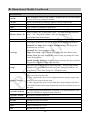
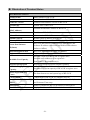
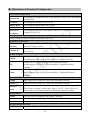
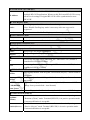
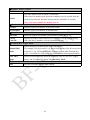
Terminal Setup ...................................................................................................................22
Illustration of Terminal Configuration ...............................................................................23
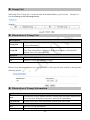
Password Setup ..................................................................................................................26
Illustration of WEB Logon Setting/Entrance Password ....................................................27
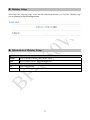
System Log ........................................................................................................................29
Illustration of System Log .................................................................................................29
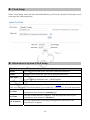
Clock Setup ........................................................................................................................30
Illustration of System Clock Setup ....................................................................................30
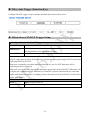
FKey Auto Trigger (Function Key)....................................................................................31
Illustration of IN/OUT Trigger Setup ................................................................................31
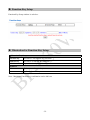
Function Key Setup............................................................................................................32
Illustration for Function Key Setup ...................................................................................32