1
NV-600WI Managed Industrial Grade Wireless VDSL2 Router USER’S MANUAL Ver. A2
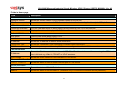
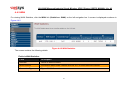
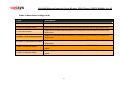
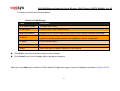
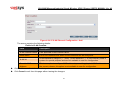
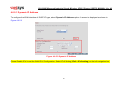
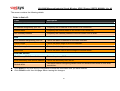
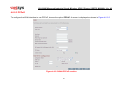
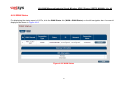
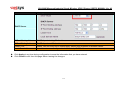
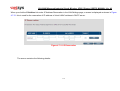
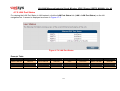
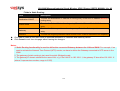
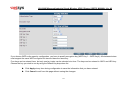
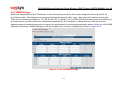
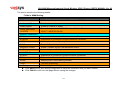
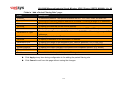
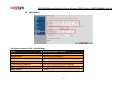
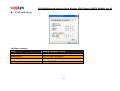
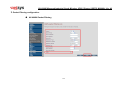
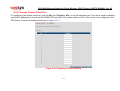
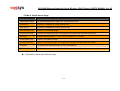
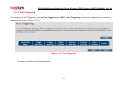
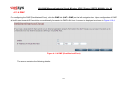
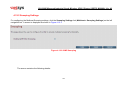
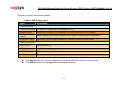
The screen contains the following details:
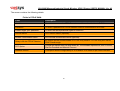
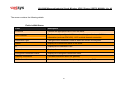
Fields in DDNS:
Field
Description
Enable DDNS support
Check box to enable DDNS support in CPE.
WAN Interface
WAN Interface name from dropdown for DDNS resolution. The DDNS agent running in CPE
keeps track of changes in IP address of chosen WAN and informs DNS service provider.
DDNS Server
Dynamic DNS Server Provider.
Host Name
Host name registered with DDNS Service provider. This is part of FQDN used for accessing
the host.
User Name
Registered user name with DDNS service provider.
Password
Registered password with DDNS service provider.
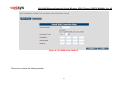
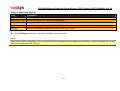
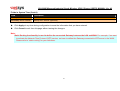
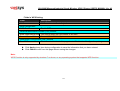
Click Apply for applying the DDNS changes into system.
Click Cancel to exit from this page without saving the changes.
104