1
EXPERT-LX Series Flat Panel PC
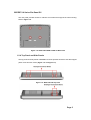
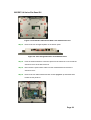
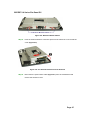
Figure 4-7: Power Switch Cable
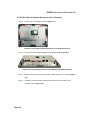
4.3.3 EX-9123A-LX Internal Aluminum Cover Removal
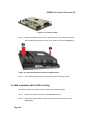
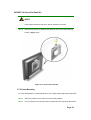
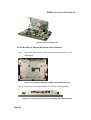
Step 1: Remove the eight retention screws securing the internal aluminum cover
(Figure 4-8).
Figure 4-8: EX-9123A-LX Aluminum Back Cover Retention Screws
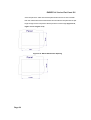
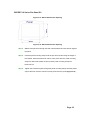
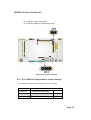
Step 2: Remove the four hexagonal pillars on the bottom panel (Figure 4-9).
Figure 4-9: Four Hexagonal Pillars on the Bottom Panel (EX-9123A-LX)
Page 48