1
GPS Setup (Continued)
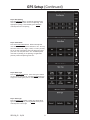
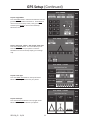
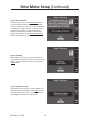
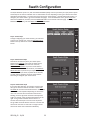
Step 16: Height Offset
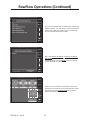
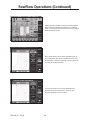
Press the HEIGHT button. Measure the distance from the
ground to the GPS antenna and enter it. Press ENTER to
return to the Tractor setup screen, verify your entries,
and then press ENTER to return to the GPS Setup
Selection screen.
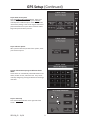
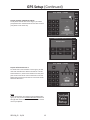
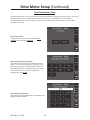
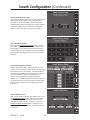
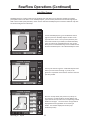
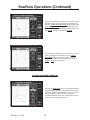
Step 17: GPS Setup - Planter - with “Single” frame type
Press the PLANTER button. This screen allows you to
enter measurements on your planter so that the
SeedSense can more accurately display your coverage
map.
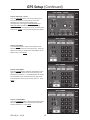
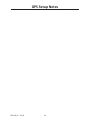
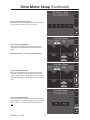
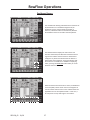
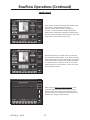
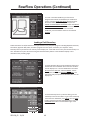
Step 18: Frame Type
Press the FRAME TYPE button in the top left corner.
Select the frame type that best fits your planter.
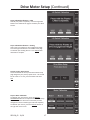
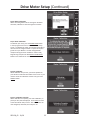
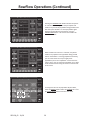
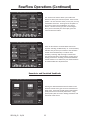
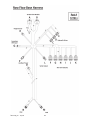
Step 19: Hitch Style
Press the HITCH STYLE button in the top right corner.
Select the hitch style that best fits your planter.
955128_02 12/10
11