1
Searching
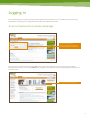
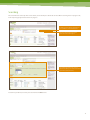
The search function at the top of the in force screen, allows you to do simple or advanced searches.
Simple searches will bring up your OneCare and World of Protection policies in force.
A simple search can be done by typing in
a policy number, a life insured’s name, or
policy owner.
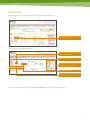
Choose an ‘Advanced search’ and the
advanced search box will appear.
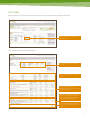
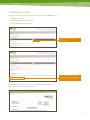
Through the advanced search, you can refine and combine your search terms to find policies quickly and easily.
Through the advanced search, you can
refine and combine your search terms to find
policies quickly and easily.
To return to your full list, clear out your search terms and click search.
18