1
ECM User Guide
Records Management Services
Adding Emails to ECM
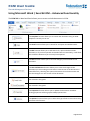
Responsibility for Email Capture
• Where an email is sent by a University Officer (either internally, or externally), it is the
responsibility of the sender to ensure it is captured in ECM.
• Where the sender expects a reply, the sender can wait until the reply is received before adding
the email, or register the original email into ECM, plus any replies as a related link to the original
email – refer to the ECM User Guide for more information.
• Where an email is received from outside the University, the receiver is responsible for capturing
the record into ECM.
• Where an email is received from outside the University and a number of University officers are
included as recipients, the first officer named in the recipient list is responsible for capturing the
record into ECM.
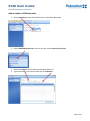
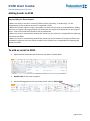
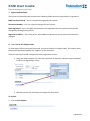
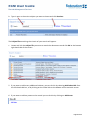
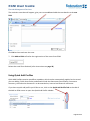
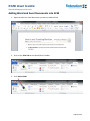
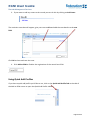
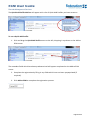
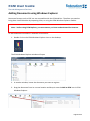
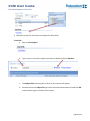
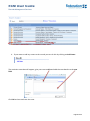
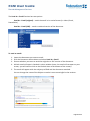
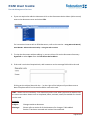
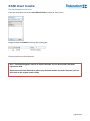
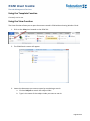
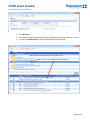
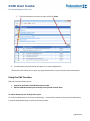
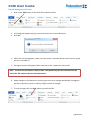
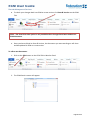
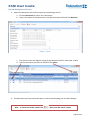
To add an email in ECM 1. Open Outlook and locate the document you want to add to ECM
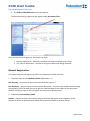
2. Double click on the email to open it.
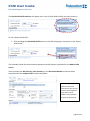
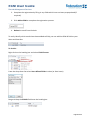
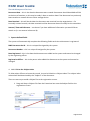
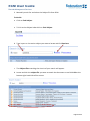
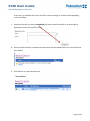
3. On the Message pane at the top of the email, click on Add to ECM
Page 21 of 65