1
D-Link DGS-3324SRi Intelligent Stackable Gigabit Ethernet Switch
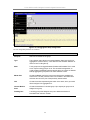
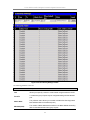
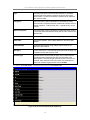
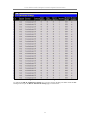
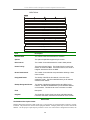
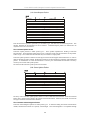
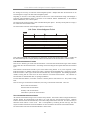
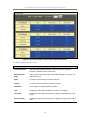
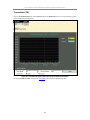
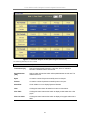
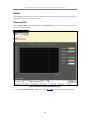
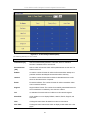
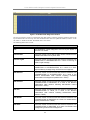
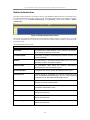
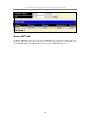
Authenticator Statistics
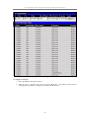
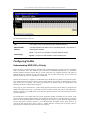
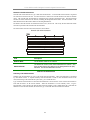
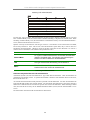
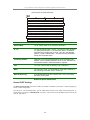
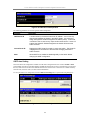
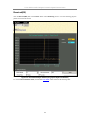
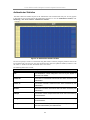
This table contains the statistics objects for the Authenticator PAE associated with each port. An entry appears
in this table for each port that supports the Authenticator function. To view the Authenticator Statistics, click
Monitoring > Port Access Control > Authenticator Statistics.
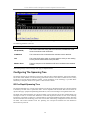
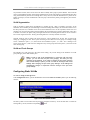
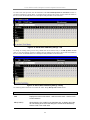
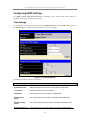
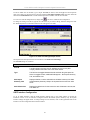
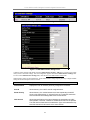
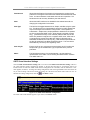
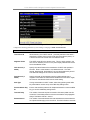
Figure 6- 20. Authenticator Statistics window
The user can specify a switch in a switch stack using that switch’s Unit ID by using the pull down menu in the
top left hand corner. The user may also select the desired time interval to update the statistics, between 1s and
60s, where “s” stands for seconds. The default value is one second.
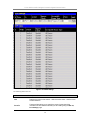
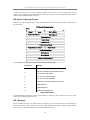
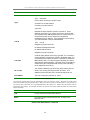
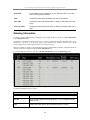
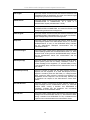
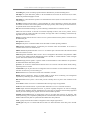
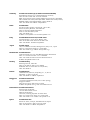
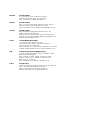
The following fields can be viewed:
Parameter
Description
Port
The identification number assigned to the Port by the System in
which the Port resides.
Frames Rx
The number of valid EAPOL frames that have been received by this
Authenticator.
Frames Tx
The number of EAPOL frames that have been transmitted by this
Authenticator.
Rx Start
The number of EAPOL Start frames that have been received by this
Authenticator.
TxReqId
The number of EAP Req/Id frames that have been transmitted by
this Authenticator.
RxLogOff
The number of EAPOL Logoff frames that have been received by
this Authenticator.
Tx Req
The number of EAP Request frames (other than Rq/Id frames) that
have been transmitted by this Authenticator.
156