1
D-Link DGS-3324SRi Intelligent Stackable Gigabit Ethernet Switch
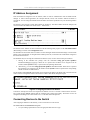
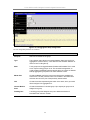
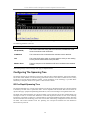
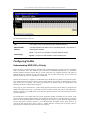
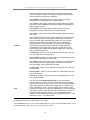
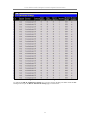
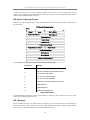
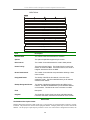
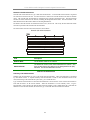
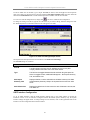
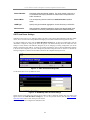
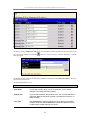
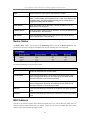
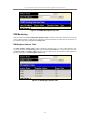
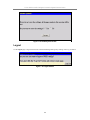
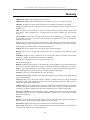
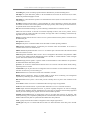
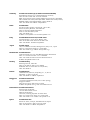
Figure 7- 7. Download Firmware Transfer window
Download Configuration From CF
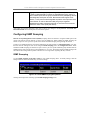
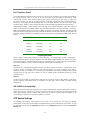
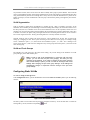
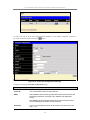
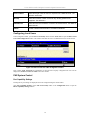
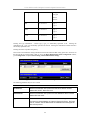
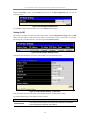
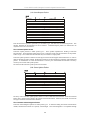
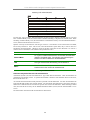
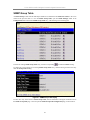
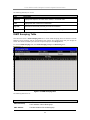
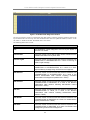
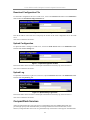
To download a configuration file from the CompactFlash card, first open the Download Configuration from
CF window by clicking Maintenance > CF Services > Download Configuration from CF.
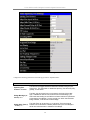
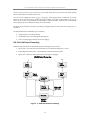
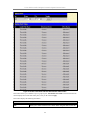
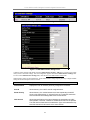
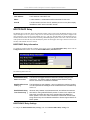
Figure 7- 8. Download Configuration from CF window
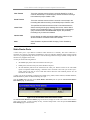
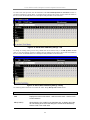
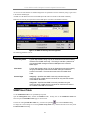
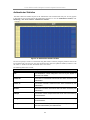
Enter the file name and path into the space provided and click Start. This will begin the configuration download
from the CompactFlash card to the Switch. If the user wishes to implement a complete configuration setting,
click the Reset box of the Config Control field. If the user wishes to download increments of the configuration,
leave the Reset box unchecked.
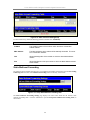
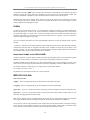
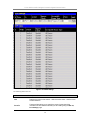
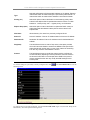
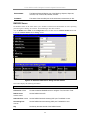
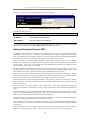
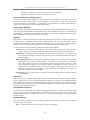
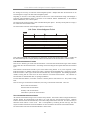
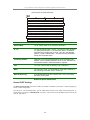
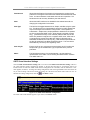
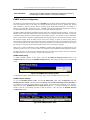
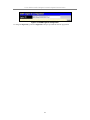
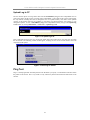
Figure 7- 9. Save Settings from CF window
Upload Firmware to CF
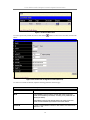
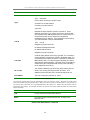
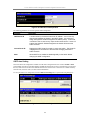
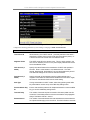
To upload firmware to the CompactFlash card, first open the Upload Firmware to CF window by clicking
Maintenance > CF Services > Upload Firmware to CF.
175