1
IP Camera Web Client | 131
Leave the rest of the settings on this screen set to their defaults.
6.
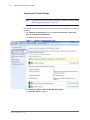
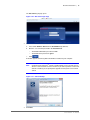
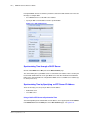
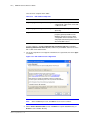
When prompted to review the generated confide file, click No.
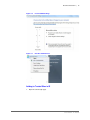
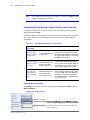
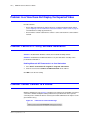
Figure 6-63
Reviewing the Generated NTP File
Click No.
7.
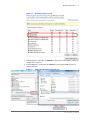
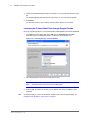
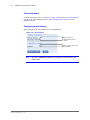
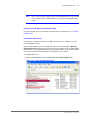
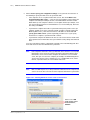
On the NTP Service Options screen, accept the defaults as shown below
(recommended).
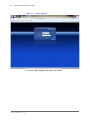
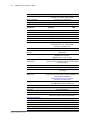
Figure 6-64
8.
Selecting NTP Service Options
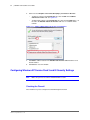
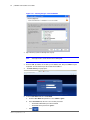
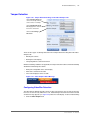
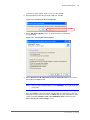
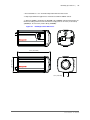
On the Enter the user ID and password used for running the service screen enter a
password for the NTPD account.
Note
Enter a strong security password, such as ASDFGhjkl;’, or you will get an error
(code 2245).
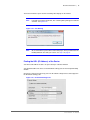
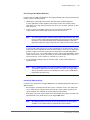
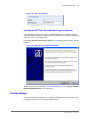
After clicking Next, if a message appears indicating that the computer policy does not
allow you to create a new user account, click Back and select one of the other account
options (either Use existing account or Use SYSTEM account) from the top of the
Please specify your service settings screen.
800-13160V2 - A - 04/2013