1
Basics
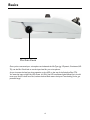
Mic Gain Knob
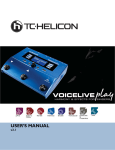
Once you’ve connected your microphone and selected the Mic Type (pg. 9 Dynamic, Condenser, MP75), use the Mic Gain Knob to set the input level for your microphone.
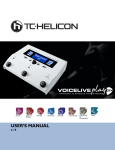
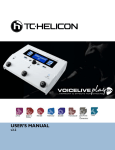
As you increase the level, pay close attention to the LED on the top of the VoiceLive Play GTX.
You want the input to light the LED Green. It’s OK if the LED sometimes lights Yellow, but it should
never turn Red. If it does turn Red, reduce the level. Red means the input is overloading.You’ve got
powerful lungs!
4