1
1. Setting up Infoshare
1.1 Installing Infoshare
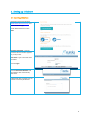
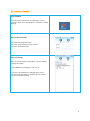
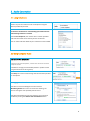
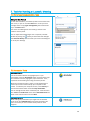
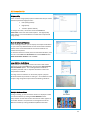
Navigate to the Eureka website
www.teleconference.com.au and
select the Portal page.
Under Web Conference select
Host.
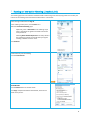
Customer Portal No: Type the
Customer Portal number supplied
to you by Eureka.
Host Code: Type in the Host code
provided.
Click on Login
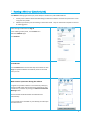
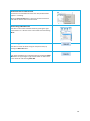
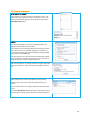
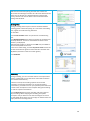
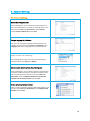
Click on Download Software and
the software will automatically
download.
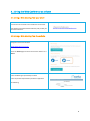
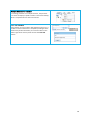
If download does not begin you can
choose to manually download.
4