1
QUICK REFERENCE GUIDE
Optus MobileSat®
COMMITMENT TO CUSTOMER
SATISFACTION
Dear Customer
Congratulations on purchasing this high quality Optus MobileSat
product.
Optus Networks Pty Ltd is committed to giving top priority to
customer satisfaction through relentless efforts to provide
better products and better service.
Should you require assistance with regard to your new Optus
MobileSat S2 phone, you are requested to direct your inquiry to
the Authorised MobileSat Dealer from whom you purchased your
phone.
THIS MANUAL BELONGS TO:
PHONE NUMBER:
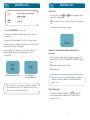
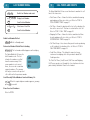
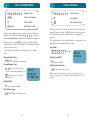
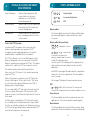
Making a Call
Dial the destination phone number, including the STD code.
Press the SND key to start the call.
Answering a Call
Press any key (except PWR and END ) while the phone is ringing
or remove the handset from the cradle.
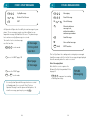
During a Call
Adjust volume using + / - on the side of the handset. Hold
the mute key to inhibit your voice transmission but still allow the
other party to be heard.
Speed Dialling
Press NN or *NN (memory number) and then hit SND to call a
known number. The phone number will be displayed during call
setup.
OR
Press RCL NN or *NN (memory number) to view the memory
and then hit SND to call the number.
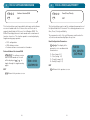
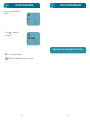
Repeat Dialling
If the called number is busy, then press FCN SND to start
repeat dialling. This automatically redials the number three
times at one minute intervals, depending on Earth Station
settings.
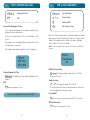
Last Number Redial
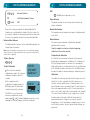
From the Standby screen, press + / - to view the last
dialled number. Continue to press this key to review the last 5
numbers.
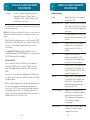
Correcting the Number
Press the CLR key (momentarily) to erase the last entered digit,
or press CLR (hold) to delete all the entered numbers.
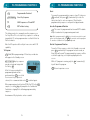
Illumination
To turn on the backlight during poor lighting conditions, press
the mute key while Standby is displayed.