1
3
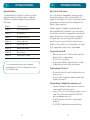
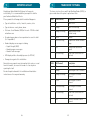
DISPLAYS AND TONES
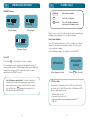
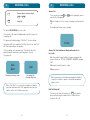
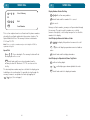
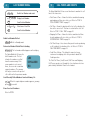
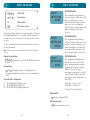
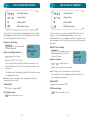
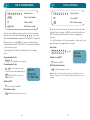
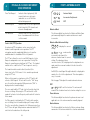
Display
Function
In Use
Call in Progress.
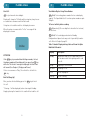
Message
Flashes when User Message is received.
Mic Mute
Microphone is muted. The other party
remains audible on the speaker. Refer to
page 27.
No Reply
The phone sent a packet to the earth station,
but no reply was received.
3
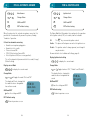
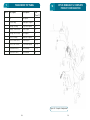
Handset
Tones
Function
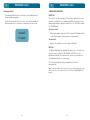
Alert Tone
Indicates that a call is being received, i.e. the
phone is ringing.
Call Initiated
Tone
Indicates that the phone is setting up or
clearing down a call.
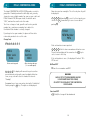
Call Time
Beep
The Call Time Beep function operates in two
modes, depending on whether the Credit
facility has been set or not. If the Call Credit
facility is Off, then Call Time Beep will sound a
beep ten seconds before the end of each
minute. These beeps may be turned off using
FCN 14. Refer to page 93. If Call Credit facility
is On, then call beeps will operate in
accordance with Call Credit User Manual.
Double Beep
Indicates a New message, Fault Display or
Incoming Call, or end of programming (P1/ P2)
mode. On power up, a double beep indicates
that the Standby screen is displayed.
Error Tone
Phone detects key or keypad entry errors, and
you are alerted to correct the entry. Error tones
are high pitched. Refer to FCN 44, page 116 to
adjust volume.
Key Tone
A short high pitched tone, indicating that a key
has been pressed. Refer to FCN 45, page 117.
Network
Progress
Tones
Indicates call progress through the telephone
network.
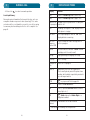
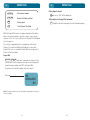
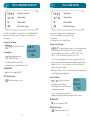
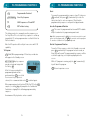
No Response An outgoing call attempt failed.
No Service
Weak, lost or invalid signal, when phone is
unable to receive the signal from the satellite,
has found an invalid signal, or has been denied
logon to the system.
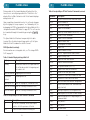
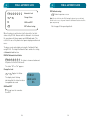
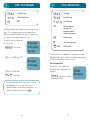
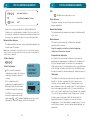
PL
Phone is in Partial Lock mode.
RD
Phone in Repeat Dial mode, refer to page 44.
Standby
Displayed when phone is receiving a valid
satellite signal.
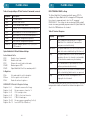
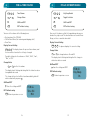
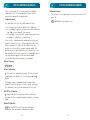
System
Message
Flashes when a new System Operator
Message (SysOp Message) is received. Refer to
page 148.
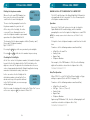
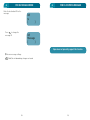
Tel/Fax
Started
2W Tel or fax call started
Tel/Fax
In Use
2W Tel or fax call in progress
DISPLAYS AND TONES
Note: Other Status messages appear on the display as you operate the
phone. Read the procedures in this manual for description.
30
31