1
JDSU NT955 Series
Validator-NTTM Network Tests
6.5. Step by Step Instructions for Performing Network Tests
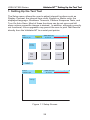
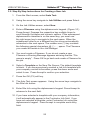
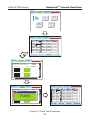
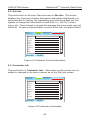
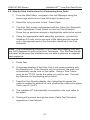
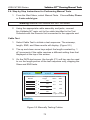
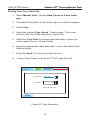
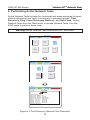
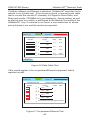
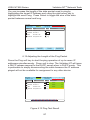
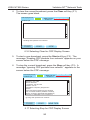
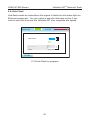
1. From the Start Menu, select Network Tests. Choose Port
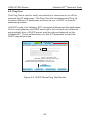
Discovery, Ping Test Cisco, Discovery Protocol or Hub
Flash.
Warning! Network Test Results will NOT be saved
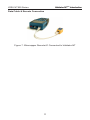
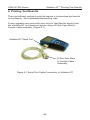
2. Use a patch cable to connect the Validator-NT main unit to the
jack or network device to be tested.
Port Discovery
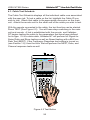
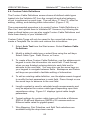
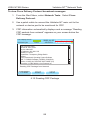
1. From the Start menu, navigate to Network Tests using the arrow
keys which move from left to right on each row.
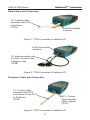
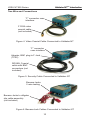
2. Using the RJ45 port, connect the appropriate cable assembly
from the Validator-NT main unit to one end of the cable or jack to
be identified.
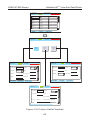
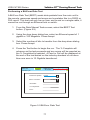
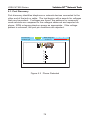
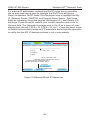
3. Select Port Discovery to start a test sequence. Press TEST to
retest once the Port Discovery screen is displayed.
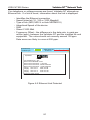
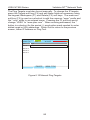
4. If neither voltage nor Ethernet is detected, the Validator-NT
searches for its remote to run a cable test. If a remote is not
found, a one-ended test for shorts and split pairs is run and the
results are reported.
92