1
IPSec Router + Print Server User’s Guide
Port Forwarding
With this feature, you can setup services like web servers, file servers, e-mail servers, and any
other customized applications to the Internet on internal PCs. To give access from the Internet,
Gateway administrator should give access from the Internet, by adding policy to allow the traffic
initiated from Internet to internal network (inbound traffic). This uses Reverse Network Address
Translation (RNAT) concept.
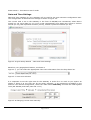
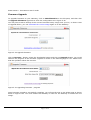
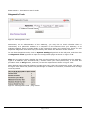
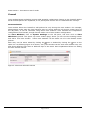
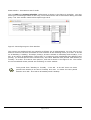
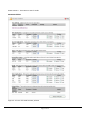
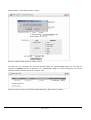
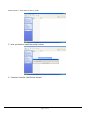
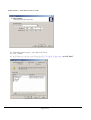
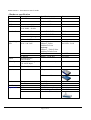
To add a policy, click on Security Settings on the left pane, and click on Port Forwarding to
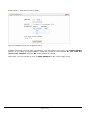
open up the page as shown in
Figure 5-41.
Figure 5-41 Port Forwarding
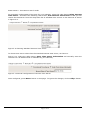
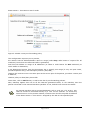
The configuration provides a default host for any traffic initiated on the Internet so that if none of
the port forwarding policies match, the traffic reaches the default host. This is useful for some
applications like games where dynamic transport (TCP/UDP) port numbers are used by the
applications. Administrator may choose from drop-down list against Default Host: field that
shows the list of all local networked PC names (that received dynamic IP addresses from
Gateway). If any local PC is statically configured for its IP address, then "Custom" radio button
and edit box can be used. Press Apply Changes button once done.
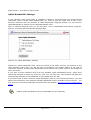
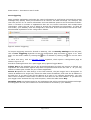
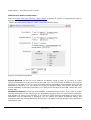
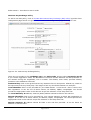
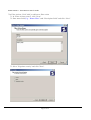
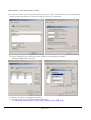
To create a new rule for inbound traffic, click on Add New Port Forwarding Policy button on the
page shown in
Figure 5-41, which will lead to the configuration page as shown in figure 5-49.
Page 48 of 97