1
S T E K O P SA
Manufacturing:
ul. Mołdawska 9, 02-127 Warszawa
kol. Porosły 52, 16-070 Choroszcz
tel. 085 748 90 00, fax 085 748 90 38
e-mail: [email protected]
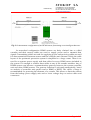
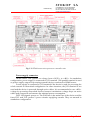
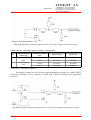
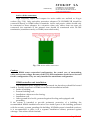
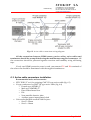
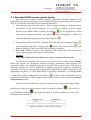
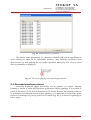
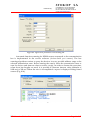
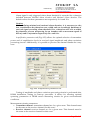
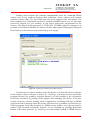
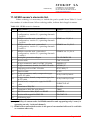
Fig. 8.24. Inputs configuration tab.
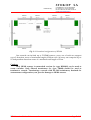
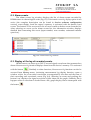
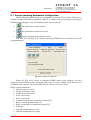
8.8 Selecting the language version.
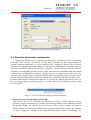
FieldH Manager service software is offered in different language versions.
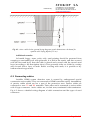
Respective application language libraries are supplied as *.dll files, which should be
placed in the same folder as the main application (i.e. FieldH.exe file). Menu
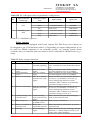
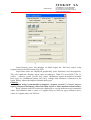
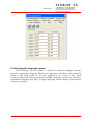
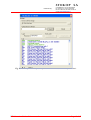
Language.Configuration allows previewing available language versions and selecting a
user interface language (Fig. 8.25). To apply a language version change, exit and reopen
the service program.
HF400 version 3.1 Installation manual
Page 56 of 67