1
CONVENIENT FEATURES
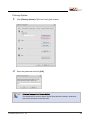
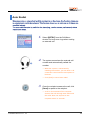
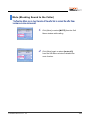
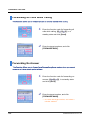
Forwarding All Calls While Calling
This function allows you to forward all calls to another station while calling.
1.
2.
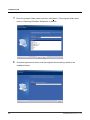
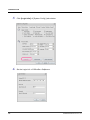
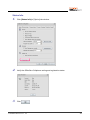
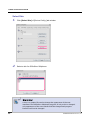
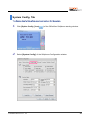
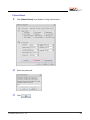
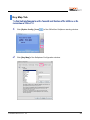
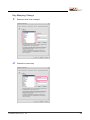
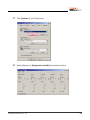
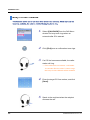
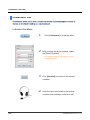
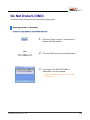
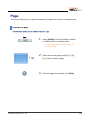
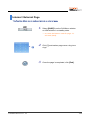
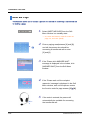
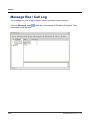
Enter the function code for forwarding all
calls while calling, [6]▶[0]▶[2], in a
standby state and click [Send].
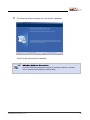
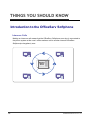
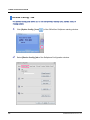
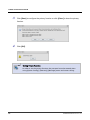
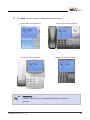
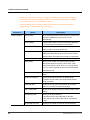
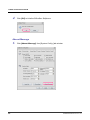
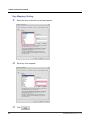
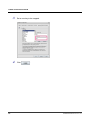
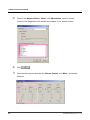
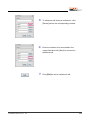
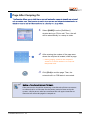
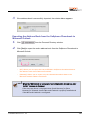
Enter the target numbers, and click
[FORWARD BUSY].
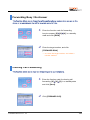
Forwarding No Answer
This function allows you to forward a call to another phone number when you cannot
answer a call for a certain period of time.
1.
2.
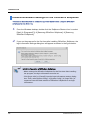
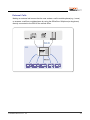
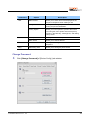
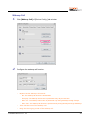
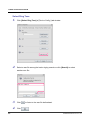
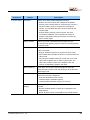
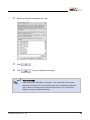
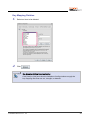
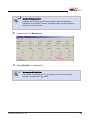
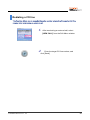
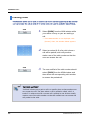
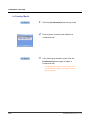
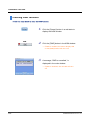
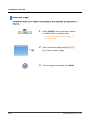
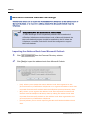
Enter the function code for forwarding no
answer, [6]▶[0]▶[3], in a standby state
and click [Send].
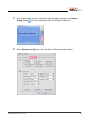
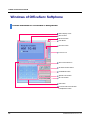
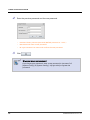
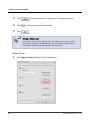
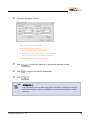
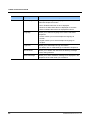
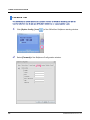
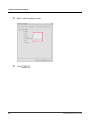
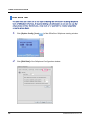
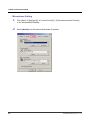
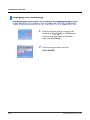
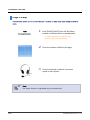
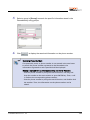
Enter the target number, and click
[FORWARD NANS].
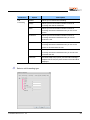
•
Or, enter the target number, and select a
transfer method.
108
© SAMSUNG Electronics Co., Ltd.