1
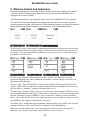
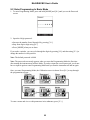
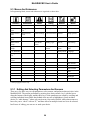
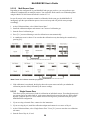
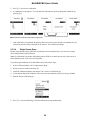
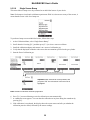
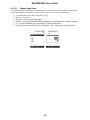
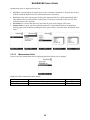
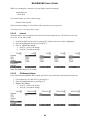
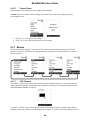
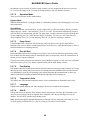
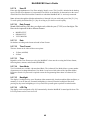
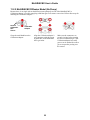
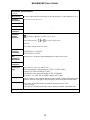
MultiRAE MX User’s Guide About Snapshot Datalogging When the instrument is in Snapshot datalogging mode, it captures a single “snapshot” of the data at the moment of your choosing. All you have to do is press [MODE] each time you want to capture a snapshot of the data at that instant. No snapshot. 9.3.5.6 Press [MODE] for a snapshot. Datalog icon is shown momentarily during a snapshot Memory Full Action When the internal datalog memory is full, the MultiRAE MX can either stop collecting data (Stop when full) or go back to the beginning and overwrite the data from the first entry, second entry, etc. (Wraparound). 9.3.6 Wireless When a MultiRAE MX is equipped with a wireless modem, its settings are controlled via the menu items under “Wireless.” 9.3.6.1 Radio ON/OFF Turn the radio on or off via this menu. 1. Choose between “On” and “Off” by pressing [N/-]. 2. Select the highlighted state by pressing [Y/+]. 3. Save or register the change: Press [Y/+] to save the change. Press [N/-] to undo the change. 41