1
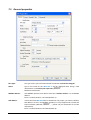
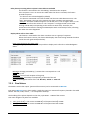
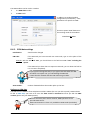
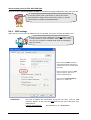
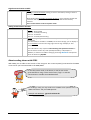
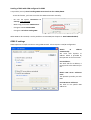
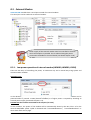
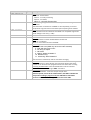
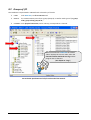
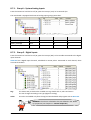
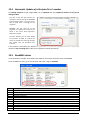
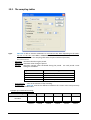
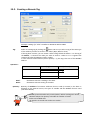
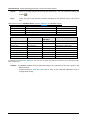
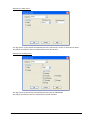
9.3. ModBus address The ModBus address is the link to the outside world. When equipment must sample Tags in TBOX ULP, it uses its ModBus addresses; like T, SCADA or TWinSoft. Each Tag has a unique ModBus address. By default TWinSoft proposes a ModBus address. You can change it if you want. While being On-line, the value of the Tag can be displayed only when TWinSoft has sent the program to TBOX ULP. The Tag is then available for the outside world at the ModBus address you have declared. 9.3.1. ModBus address of System Variables With System Variables it is a little bit different; they have two ModBus addresses: One internal and fixed ModBus address. It explains why when you are connected to TBOX ULP, even without sending a program, you still can see values from the Resources. The address of these variables is 65280 + ID of the variable. Example: [AlaRec] = 65280+10=65290 One user ModBus address that you are allowed to modify if you want. When you create a Tag of system variable, you can change its default ModBus address. In case you wish to access the Tag, you declare this user ModBus address. Other Tabs of the Tag configuration refer to menu where the Tag can be declared: For Alarms, see chapter 11 For Datalogging, see chapter 13 For Remote Tags, see chapter 14 About Presentation-write, see next chapter Version: 2.08 TBox - ULP 99