1
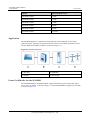
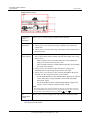
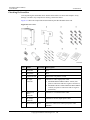
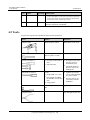
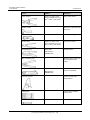
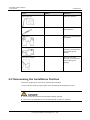
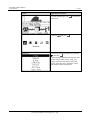
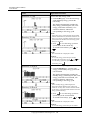
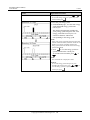
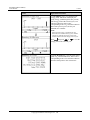
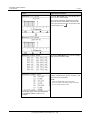
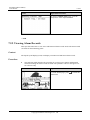
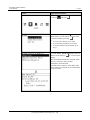
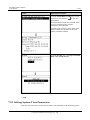
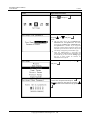
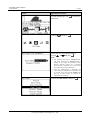
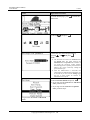
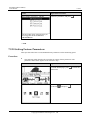
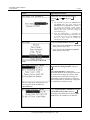
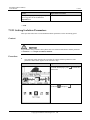
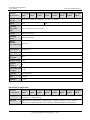
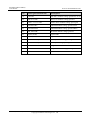
SUN2000 (8KTL-28KTL) User Manual No. 4 Installation Name Quantity Description Positive and negative metal terminals are packed with positive and negative connectors respectively. Separate the positive from negative metal terminals after unpacking the SUN2000 to avoid confusing the polarities. 8 Documentation Includes the quick installation guide in paper copies and user manual in a CD-ROM. 1 4.2 Tools Prepare tools required for installation and electrical connections. Tool Model Function Hammer drill With a drill bit of Φ14 Drills holes on the wall Adjustable wrench With an open end of larger than or equal to 32 mm Tightens expansion bolts Torque screwdriver Hexagon socket head: 5 mm Flat head: M6 Hexagon socket head: Secures screws to mechanical parts Flat head: Removes plastic screws from lifting holes Tightens or loosens screws when installing AC power cables Used to remove AC connectors from the SUN2000 Flat-head screwdriver 3x100 Head width: 3-3.5 mm Pole length (excluding the handle): at least 100 mm Large handle Socket wrench With an open end of 10 mm Tightens ground bolts. Diagonal pliers - Cut and tighten cable ties. Issue 07 (2014-07-30) Huawei Proprietary and Confidential Copyright © Huawei Technologies Co., Ltd. 22