1
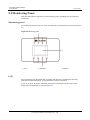
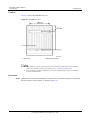
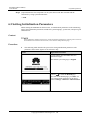
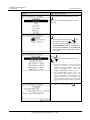
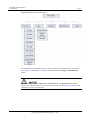
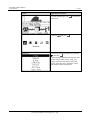
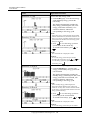
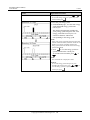
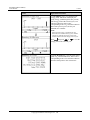
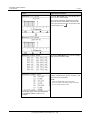
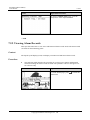
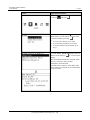
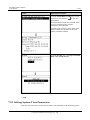
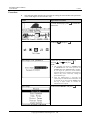
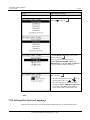
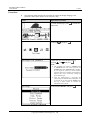
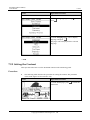
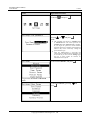
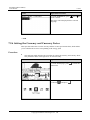
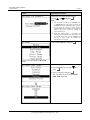
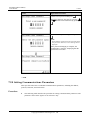
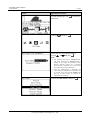
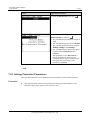
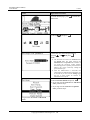
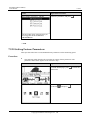
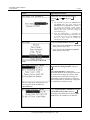
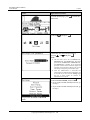
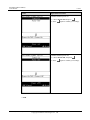
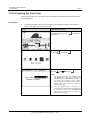
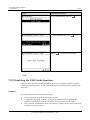
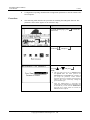
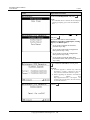
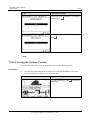
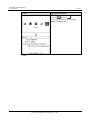
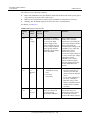
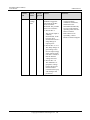
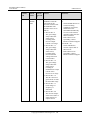
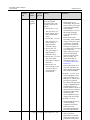
SUN2000 (8KTL-28KTL) User Manual LCD 7 LCD Operation Procedure 1. On the default page, press main menu. 2. Choose and press to enter the . 3. Enter the user name and password by pressing or , and press . NOTE The selectable user name is Advanced User. The initial passwords for Advanced User is 000001. If you forget the password, contact Huawei technical support for a dynamic password that is effective only on the current day. Change the password after login. After the authentication is successful, the system keeps the authentication information for 30 seconds. If you exit from the Settings page and log in again within 30 seconds, no authentication is required. 4. Choose Comm. Param., and press Issue 07 (2014-07-30) Huawei Proprietary and Confidential Copyright © Huawei Technologies Co., Ltd. . 90