1
Dream Report
Ocean Data Systems.Ltd
Alarm Filter Manager
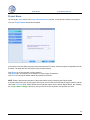
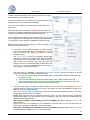
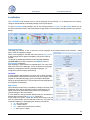
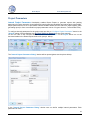
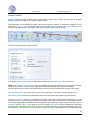
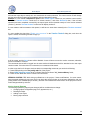
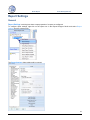
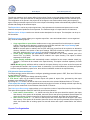
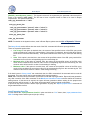
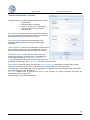
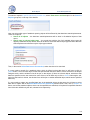
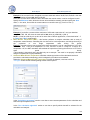
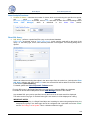
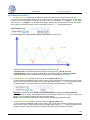
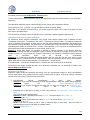
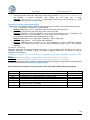
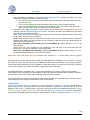
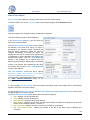
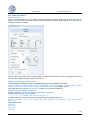
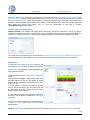
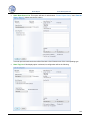
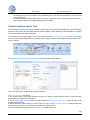
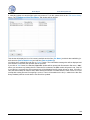
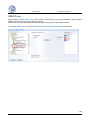
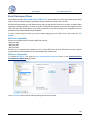
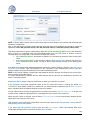
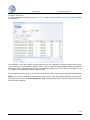
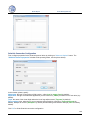
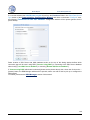
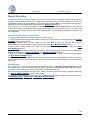
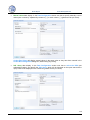
Alarm Filter Manager is used to limit the alarms included in calculations for a specific object within the userdefined properties. A Dream Report project has one global per-project list of alarm filters, which is accessible
from any object within any report in the project.
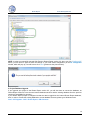
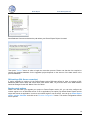
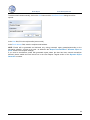
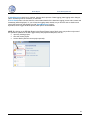
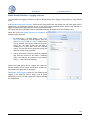
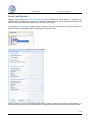
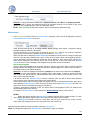
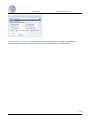
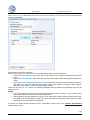
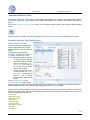
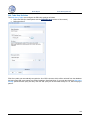
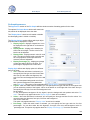
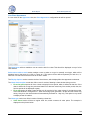
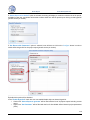
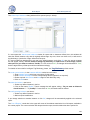
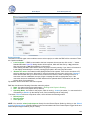
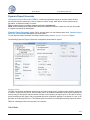
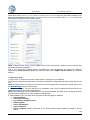
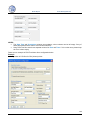
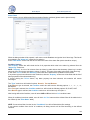
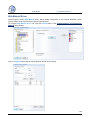
The purpose of this window is to define alarm filters and to select existing filters for specific objects as needed.
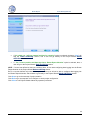
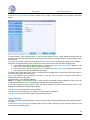
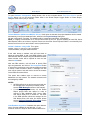
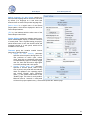
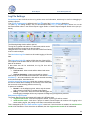
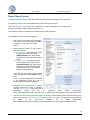
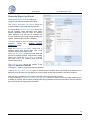
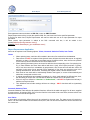
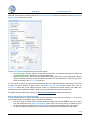
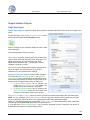
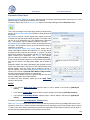
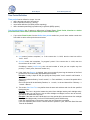
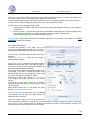
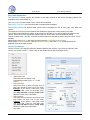
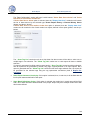
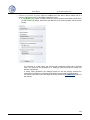
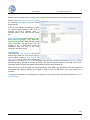
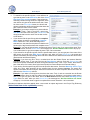
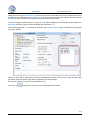
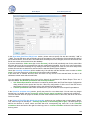
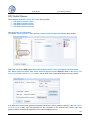
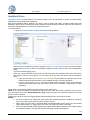
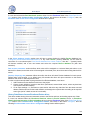
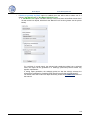
The left part of the window, List of defined alarm filters, is used to define a new alarm filter or edit the
properties of an existing alarm filter.
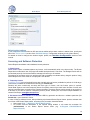
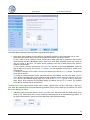
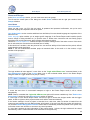
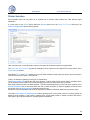
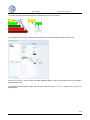
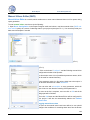
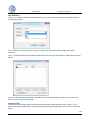
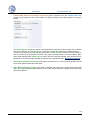
The Name field should contain any unique logical name. Adding a new filter with the same name as an existing
filter will replace the existing one. The filter name can be up to 64 characters long and can contain spaces. No
wildcard characters are allowed.
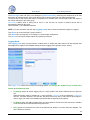
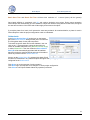
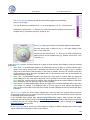
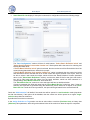
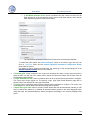
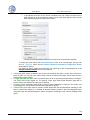
Description allows users to quickly
understand the use of the object. The
description can be up to 256 characters
long. Any characters can be used.
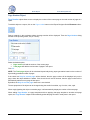
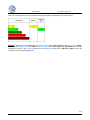
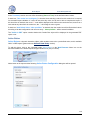
Priority range specifies the priority
range of alarms, which will be included
in the filter.
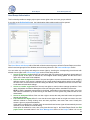
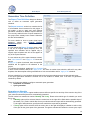
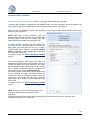
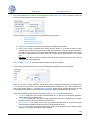
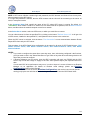
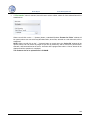
The Source combo box contains a
complete list of alarm sources in the
project. If external history server is
defined, then the Source combo box will
include alarm history drivers defined in
the project.
If Dream Report History is defined, then
the Source combo box will include a list
of real-time alarm sources.
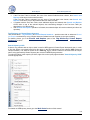
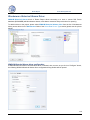
Each filter can only be applied to a single data source.
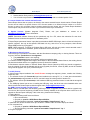
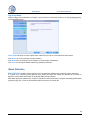
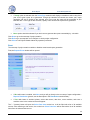
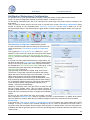
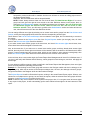
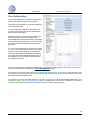
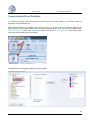
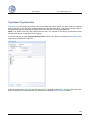
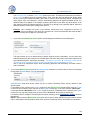
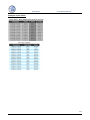
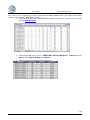
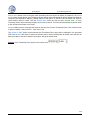
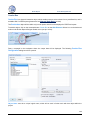
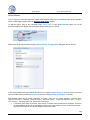
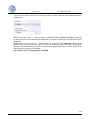
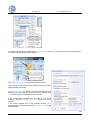
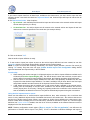
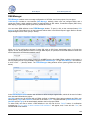
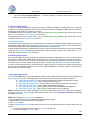
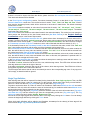
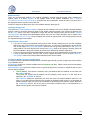
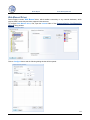
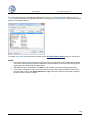
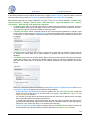
To add a filter, click the Add Filter button. The Alarm filter manager will get all data from the filter definition part
and add appropriate filters to the Alarm Filter List.
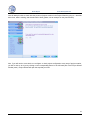
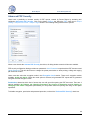
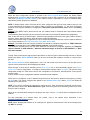
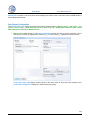
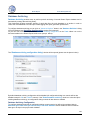
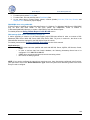
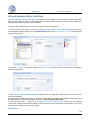
To modify an existing filter, select the filter in the list. The filter definition will be updated with the selected filter
data. To change the filter, click the Modify button. The filter configuration will be updated with your new data.
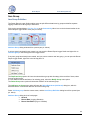
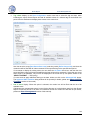
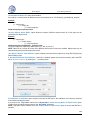
To delete an existing alarm filter, press the Delete button.
157