1
Dream Report
Ocean Data Systems.Ltd
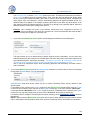
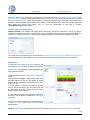
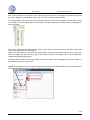
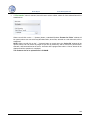
the setpoint, has no value available for the specified period, it will also be considered as an item, which
is out of the range.
By default this option will be unchecked. If this option is checked, but no working range has been set, a
user will get the warning message asking to define the range.
Custom Archives Import Tool
This tool enables users to access any available external archive (using any defined HDA driver) and periodically
import its data (values) into the Dream Report internal database, which makes this data available for reporting
from the standard Dream Report database.
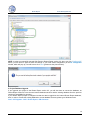
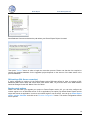
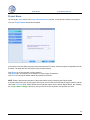
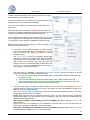
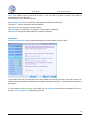
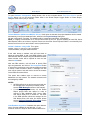
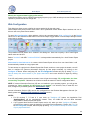
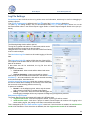
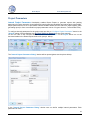
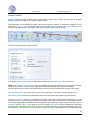
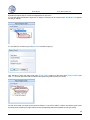
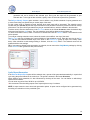
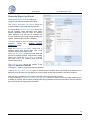
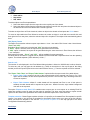
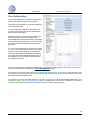
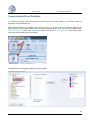
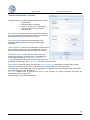
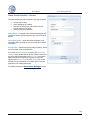
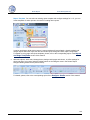
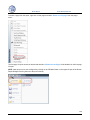
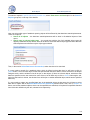
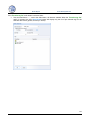
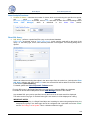
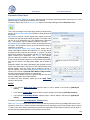
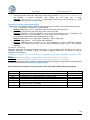
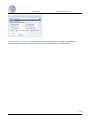
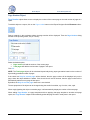
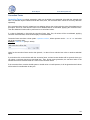
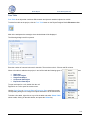
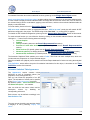
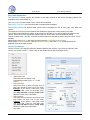
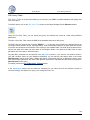
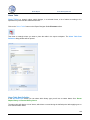
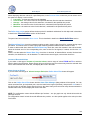
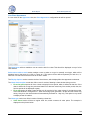
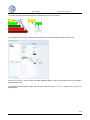
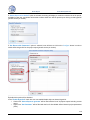
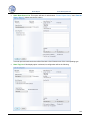
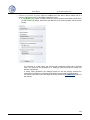
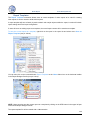
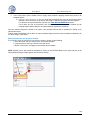
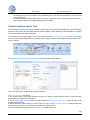
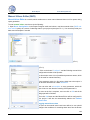
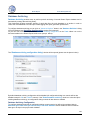
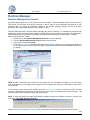
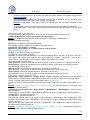
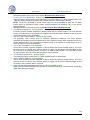
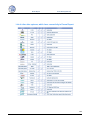
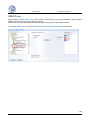
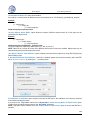
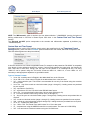
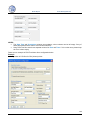
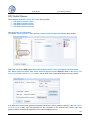
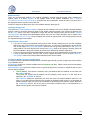
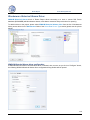
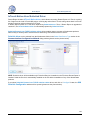
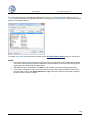
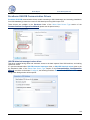
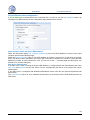
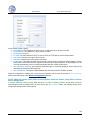
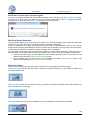
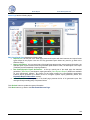
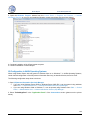
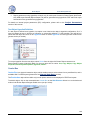
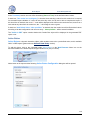
To configure custom archive import, click on the command button Custom Archive Import on the Tools ribbon
icon on the horizontal toolbar either in the Dream Report Logger Studio or Dream Report Designer Studio menu
(see pic. below):
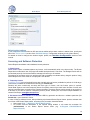
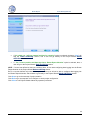
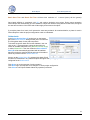
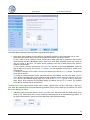
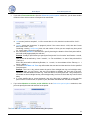
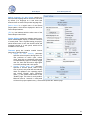
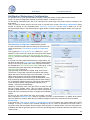
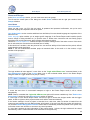
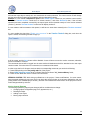
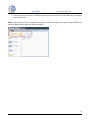
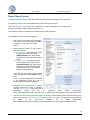
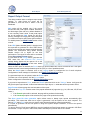
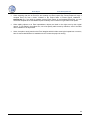
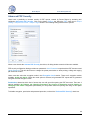
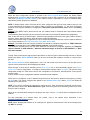
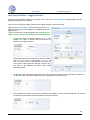
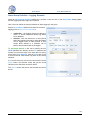
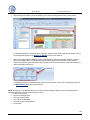
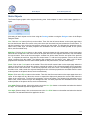
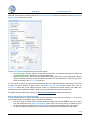
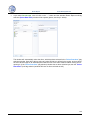
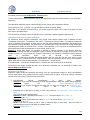
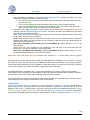
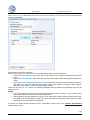
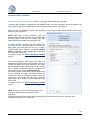
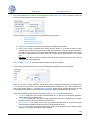
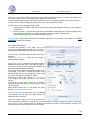
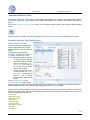
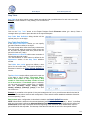
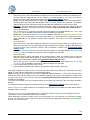
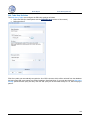
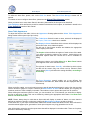
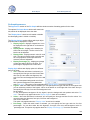
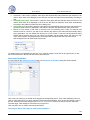
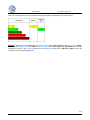
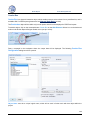
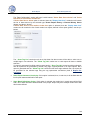
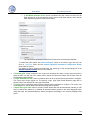
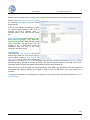
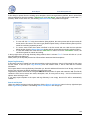
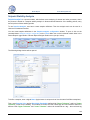
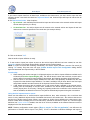
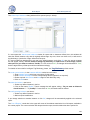
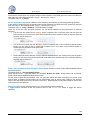
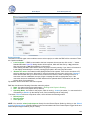
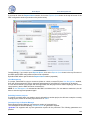
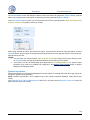
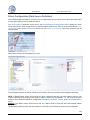
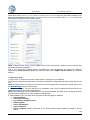
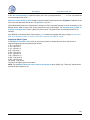
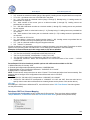
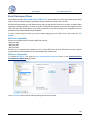
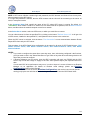
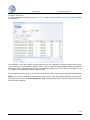
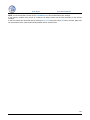
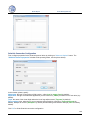
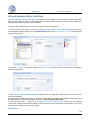
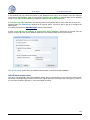
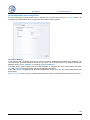
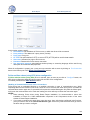
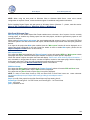
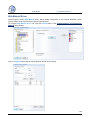
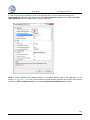
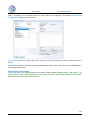
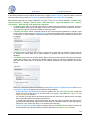
The Custom Archive Import Tool Configuration dialog window will be opened:
User can create one or multiple archive import definitions.
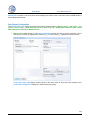
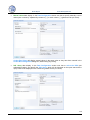
To create a definition, user has to:
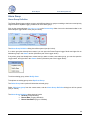
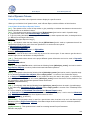
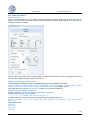
1. Put a logical name of that import definition into the Name edit box. Import definition name is unique and can't
be the same for multiple import definitions.
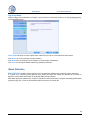
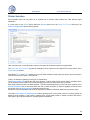
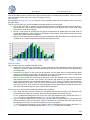
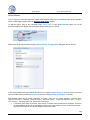
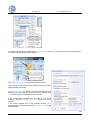
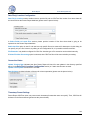
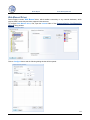
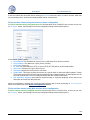
2. In the "Select Data Source" combo box, select required History access data source, which will point to the
needed external archive.
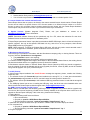
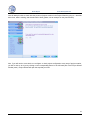
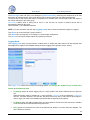
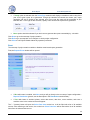
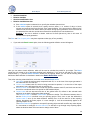
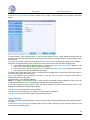
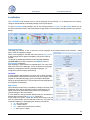
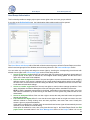
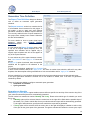
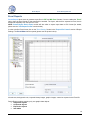
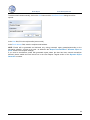
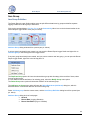
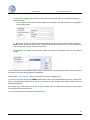
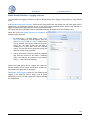
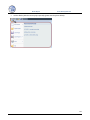
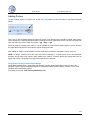
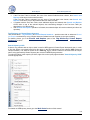
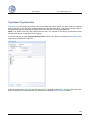
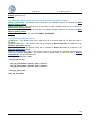
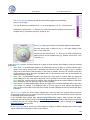
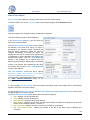
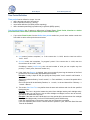
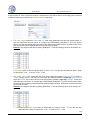
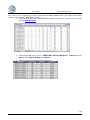
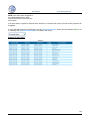
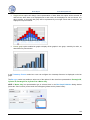
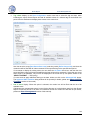
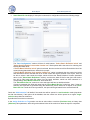
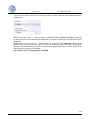
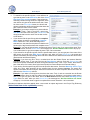
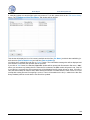
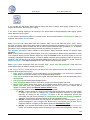
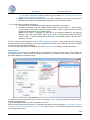
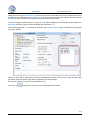
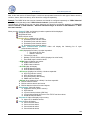
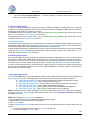
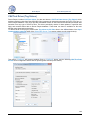
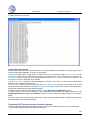
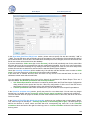
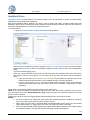
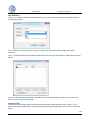
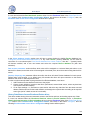
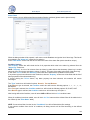
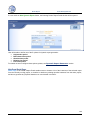
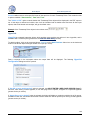
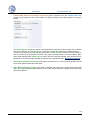
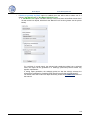
3. Select data items, which values you need to import. To do it, click on "Select Data Items" button and the item
selection window, where you can select all needed items, will be opened.
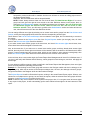
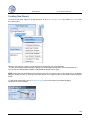
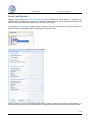
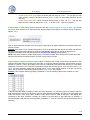
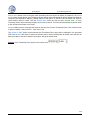
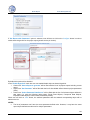
All the selected items will appear in the Selected List of Data item names.
247