1
DVR User Manual
3
Basic Function Instruction
3.1 Startup & Shutdown
Please make sure all the connections are done properly before you power on the unit. Proper startup and shutdown are crucial
to expanding the life of your DVR.
3.1.1 Startup
Step 1: Connect with the source power.
Step 2: The device will boot and the power LED would turn blue.
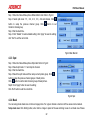
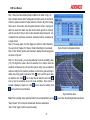
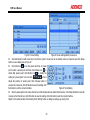
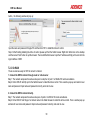
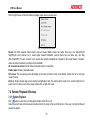
Step 3: A WIZZARD window will pop up and show some information about time zone,time setup,network configuration, record
configuration and disk management. User can setup here and refer to the concrete setup steps from the corresponding
chapters. If users don’t want to setup Wizard, please click Exit button to exit.
Note: This DVR can only display options on either VGA/HDMI monitor or BNC monitor at a given point of time, if there is live
image display without menu options then please check if there is display on other device/monitor, or long press ESC key to
wait for login dialog box to appear. Long press ESC key can switch the output between BNC and VGA/HDMI.
3.1.2 Shutdown
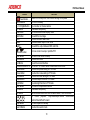
You can shut down the device by using IR remote controller and mouse.
By IR remote controller:
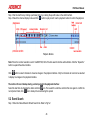
Step 1: Press Power button, the shutdown window will appear. The unit will shut down by clicking “OK” button.
Step 2: Disconnect the power.
By mouse:
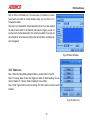
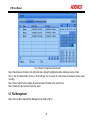
Step 1: Enter into
Menu, then select “Shut Down” icon, the shutdown window will appear.
14