1
5.4.5 System log
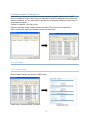
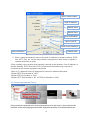
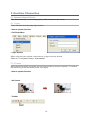
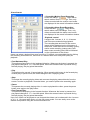
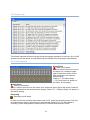
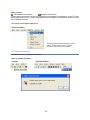
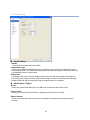
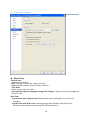
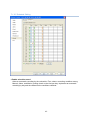
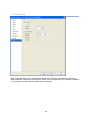
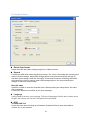
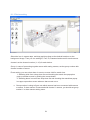
This shows important events occurring during the program operation in real-time. Up to 1000
system logs can be saved, and old-dated logs are deleted from the program automatically.
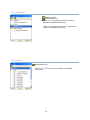
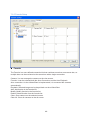
5.4.6 Camera status
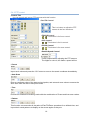
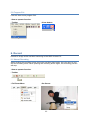
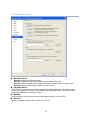
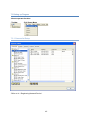
Alarm Event
Alarm Event status
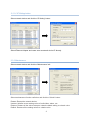
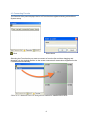
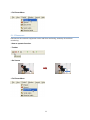
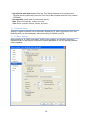
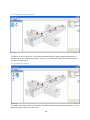
When an alarm input event occurs,
the alarm icon, located at upper
right of the screen, blinks for the
time period set in the network
device setting.
*Refer to ‘7.1.4 Alarm Setup’,
‘7.1.5 Event Setup’ for details on
the Alarm, Event setting.
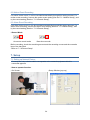
Motion Event
Motion Event status
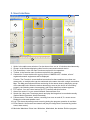
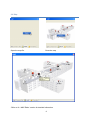
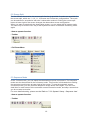
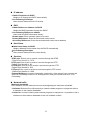
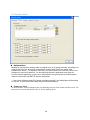
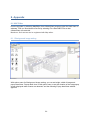
When a motion event occurs, the motion icon, located at upper right of the screen, blinks for
the time period set in the network device setting. *Refer to ‘7.1.3 Motion Setup’ for details on
the motion setting.
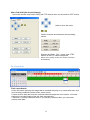
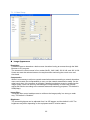
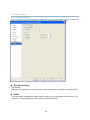
Recording
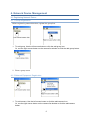
Recording on/off status
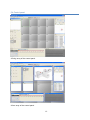
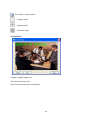
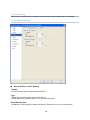
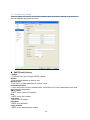
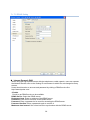
In order to save the real-time observation video to PC, press the recording button. The realtime observation video current shown is recorded and saved to PC. For the method of
recording, search and playback, please see the ‘6 Record/Search/Replay Video.’
21