1
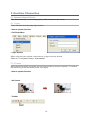
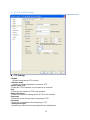
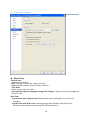
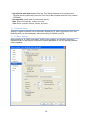
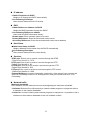
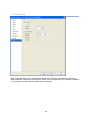
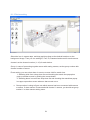
2.3.1.2 IP Setting button
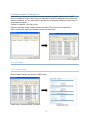
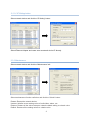
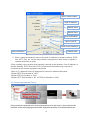
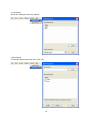
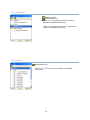
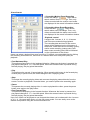
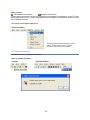
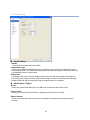
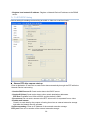
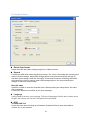
Select network device and click the ‘IP Setting’ button.
Select Ethernet Adapter and users enter a network device IP directly.
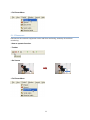
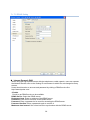
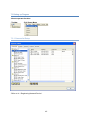
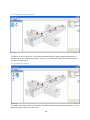
2.3.2 Maintenance
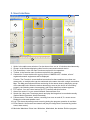
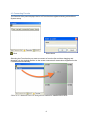
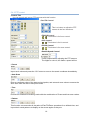
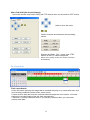
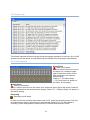
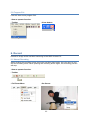
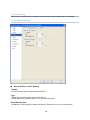
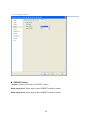
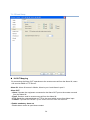
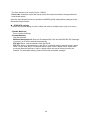
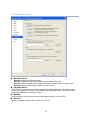
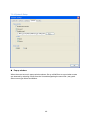
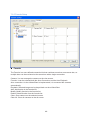
Select network device and click the ‘Maintenance’ tab.
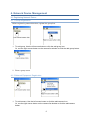
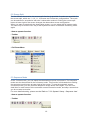
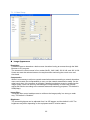
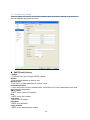
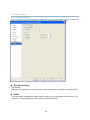
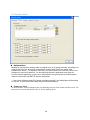
Select maintenance function radio box and click the ‘Submit’ button.
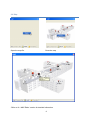
Restart: Restart the network device.
Userset: Initialize a user setting value of audio/video, alarm, etc.
Restore: Restore all the values except a network-related setting to a basic value.
Default: Restore all the setting values to a basic value.
3