1
1. Introduction of Program
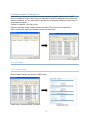
The PC program is used for operating multiple network devices. This program can be
installed from the supplied CD-ROM disk. You can observe, record and playback up to 16
network devices in real-time, and there is no limit for the number of network devices to be
managed. Registered network devices are managed according to their groups so that a
number of network devices can be operated with efficiency. It also supports a variety of
protocols for operating PTZ cameras and the device can be set through network. You can
also use the scheduled recording function with date, time, alarm event and motion event,
and playback recorded video in a fast and easy way searching by date, time or event. The
program also provides improved operating conditions by utilizing intuitive and useful GUI
configurations.
2. Preparations before operating
2.1 Minimum System Requirements
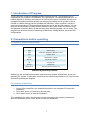
CPU
Pentium IV 3.0GHz (single core) or above
RAM
1GB or above
VGA
ATI Radeon 9200(nVidia MX 440) or above
HDD
80GB or above
LAN
10/100 base T or above
Monitor
1024 X 768 or above
OS
Windows XP
DirectX
DirectX 9.0c
Web Browser
Microsoft Internet Explorer 6.0
Minimum System Requirements
Referring to the recommended system requirements to operate eVideoClient, check your
operating PC system. If the system is less than the minimum requirements, PC may become
slow while operating the program.
2.2 Installing eVideoClient
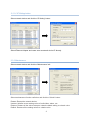
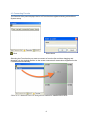
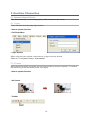
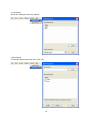
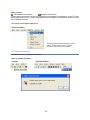
1. Double-Click install file in the eVideoClient folder in the supplied CD to start the
installation.
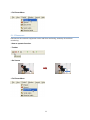
2. Click ‘Next’ button to continue to the next step.
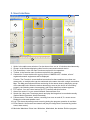
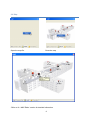
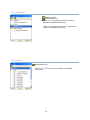
3. Click ‘Install’ button to start the installation.
The installation may take a few minutes or more according to the system performance.
After the installation, press ‘finish’ button to finish the installation.
1