1
SUM MARS2 User manual ship
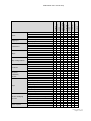
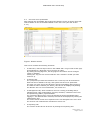
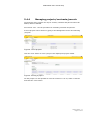
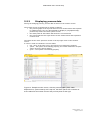
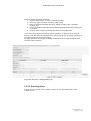
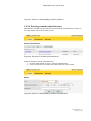
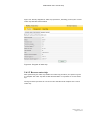
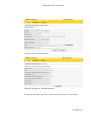
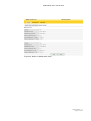
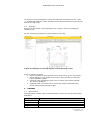
The data shown in the ‘preference’ group is user selectable. The set of data shown
in this group can be configured on the management screen, in the ‘process panel’
menu.
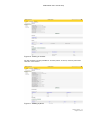
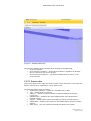
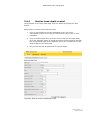
This screen contains two columns of data items: data items that can be added (left
side) and data items that have already been added (right side). Clicking the [+] sign
adds the data item, and clicking the [-] sign removes the data item again. Finally,
confirm the data by clicking the ‘OK’ button.
5.5.2.4 Alarms
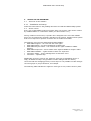
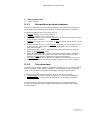
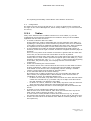
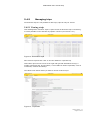
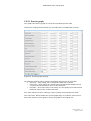
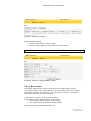
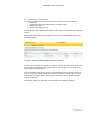
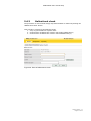
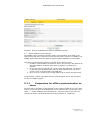
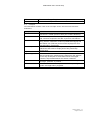
The alarm panel shows the current alarms.
When one or more alarms are active, the icon for the alarm shows its severity:
yellow is a warning and red is an error. Alarms are refreshed every five seconds.
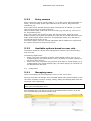
The overall system status is linked to the severity of the active alarms:
·
when an error alarm is active, the system is in the ‘error’ state
·
when there is no error alarm active, but there is a warning alarm, the
system is in the ‘warning’ state
·
when there is no alarm active, the system is in the ‘functioning optimally’
state.
Version number: 1.7
Pagina 36 of 60